
Fiber Internet vs Cable Internet: Complete Comparison Guide (2026)
Executive Summary: Fiber vs Cable Internet at a Glance
Quick Comparison Table
| Feature / Category | Fiber Internet | Cable Internet | Winner |
|---|---|---|---|
| Maximum Symmetric Speed | 300 Mbps – 10 Gbps (25 Gbps pilots) | 300 Mbps – 2 Gbps down / 600 Mbps up (DOCSIS 4.0) | Fiber Internet |
| Typical Latency | 1 ms – 5 ms | 10 ms – 30 ms | Fiber Internet |
| Uptime (annual) | ~99.99 % | ~99.9 % | Fiber Internet |
| Installation Simplicity | Requires ONT; professional or self‑install kits | Coax outlet already present; plug‑and‑play modem | Cable Internet |
| Price (Typical 1 Gbps) | $50 – $80 / month (no modem fee) | $70 – $100 / month (modem rental extra) | Fiber Internet |
| Future‑Proofing | Single‑mode fiber supports 10‑100 Gbps upgrades | Coax limits; upgrades need node splits or fiber migration | Fiber Internet |
The Bottom Line for 2026
Fiber Internet leads on speed, latency, reliability, and long‑term value. Cable Internet remains competitive where fiber has not yet arrived, thanks to its widespread footprint and low‑cost entry tiers. Your decision should balance performance needs against availability and budget.
What is Fiber Internet? The Future of Connectivity
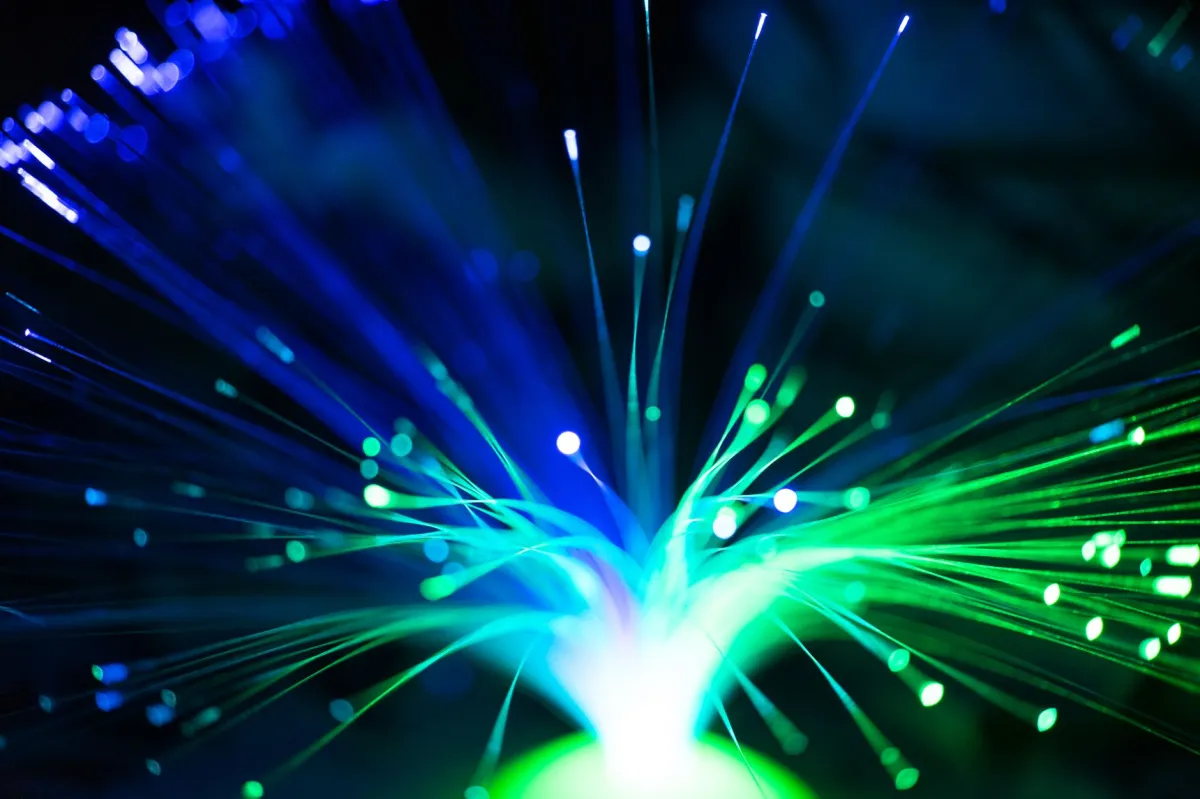
What is Fiber Internet? Fiber Internet delivers data as pulses of light through glass or plastic strands. The optical signal travels from a central office to a fiber‑to‑the‑premises (FTTP) node, where an Optical Network Terminal (ONT) converts it to Ethernet for home or office use. The technology supports symmetric upload and download rates, making it ideal for cloud‑centric workflows.
How Fiber Optic Technology Works
Light generated by lasers or LEDs propagates through a single‑mode fiber core that is only 9 µm in diameter. The signal is amplified by repeaters or passive splitters at the provider’s headend, allowing long‑distance transmission without electrical loss. In 2026, most deployments use XGS‑PON (10 Gbps) or 25G‑PON standards, which can be upgraded to 100G‑PON by swapping out the OLT (Optical Line Terminal) hardware.
Symmetrical Speeds Explained
Unlike legacy copper solutions, fiber provides the same bandwidth in both directions. A 1 Gbps fiber plan gives you 1 Gbps upload and 1 Gbps download, which is essential for real‑time collaboration, 4K/8K streaming, and frequent cloud backups.
Fiber Infrastructure and Availability in 2026
In 2026, fiber reaches roughly 45 % of U.S. homes, driven by municipal projects and BEAD‑funded expansions. Major carriers (AT&T, Verizon Fios, Google Fiber, Frontier, Ziply) have dense urban footprints, while rural cooperatives are closing gaps with point‑to‑point builds. Availability is still uneven, but the growth rate outpaces any other broadband technology.
What is Cable Internet? The Reliable Standard
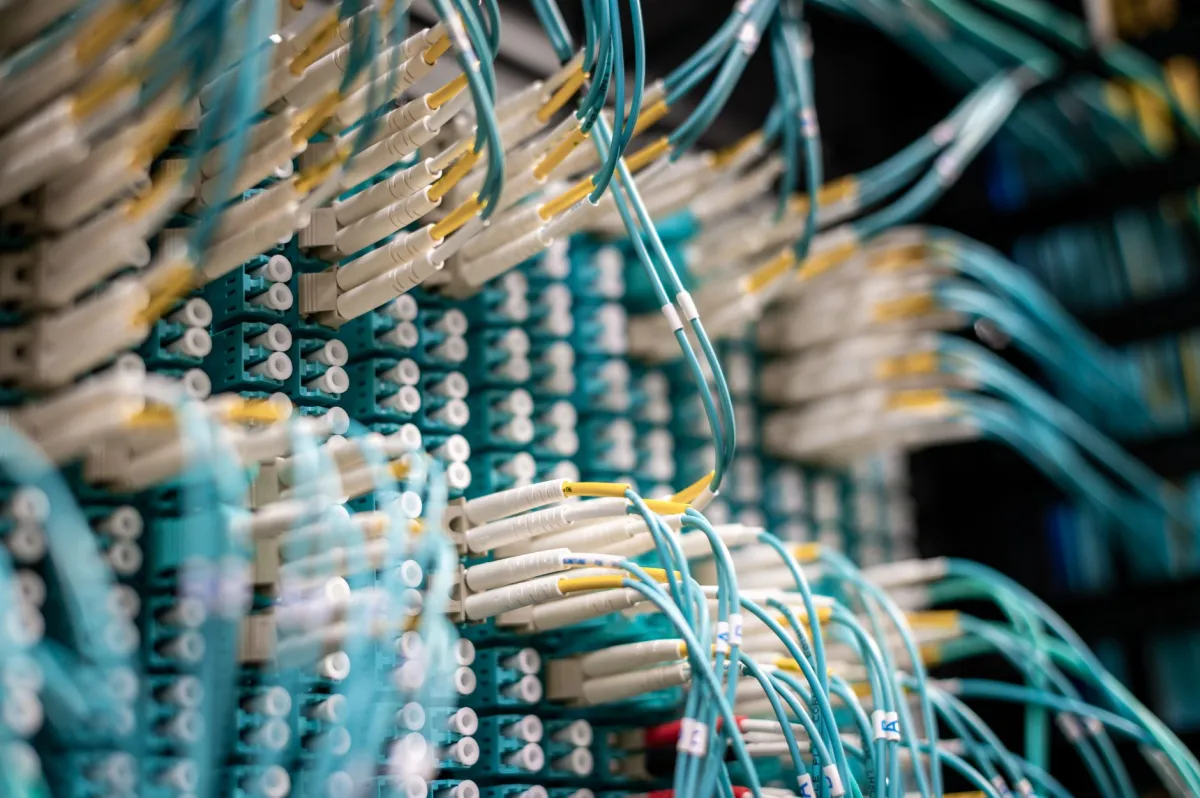
What is Cable Internet? Cable Internet uses coaxial cable originally installed for television. Data travels as radio‑frequency (RF) signals over the same copper conductor, managed by the DOCSIS (Data Over Cable Service Interface Specification) protocol. Modern DOCSIS 4.0 equipment can push downstream speeds up to 10 Gbps, though typical residential tiers stay below 2 Gbps.
How Coaxial Cable Technology Works
Coaxial cable consists of a central conductor surrounded by an insulating dielectric, a metallic shield, and an outer jacket. The shield protects the RF signal from external interference. At the neighborhood node, a fiber‑to‑coax (FTTC) link converts optical data back to RF for distribution over the coax plant. The signal is then decoded by a cable modem inside the subscriber’s premises.
DOCSIS 4.0 and Modern Cable Standards
DOCSIS 4.0 introduces Full‑Duplex (FD‑DOCSIS) and Extended Spectrum (ES) to increase upstream capacity. In theory, a DOCSIS 4.0 node can deliver up to 10 Gbps downstream and 6 Gbps upstream, but real‑world plans usually cap upload at 200 Mbps due to shared‑node constraints.
Cable Internet Availability and Accessibility
Over 80 % of North American households have a coax outlet, making cable the default high‑speed option where fiber is absent. Installation is usually a matter of plugging a modem into the wall and activating the service online. The simplicity of self‑install drives strong adoption among renters and short‑term residents.
Head-to-Head Feature Comparison: Fiber vs Cable

Download and Upload Speed Performance
Fiber provides truly symmetric tiers from 300 Mbps to 10 Gbps, with pilots reaching 25 Gbps. Cable’s downstream caps are similar, but upload lags behind, typically 10‑20 % of the download rate on DOCSIS 3.1 and 40‑60 % on DOCSIS 4.0. For users who regularly push large files upstream, fiber’s advantage is decisive.
Latency and Ping: The Gaming Perspective
Fiber’s latency stays under 5 ms to the nearest edge node, while cable sits between 10 ms and 30 ms because of additional modulation steps and shared‑medium contention. Competitive gamers notice the difference in fast‑paced shooters and cloud‑based titles.
Bandwidth Stability and Network Congestion
Fiber’s point‑to‑point architecture isolates each subscriber, so traffic spikes on neighboring homes do not affect your speed. Cable’s shared coax segment can become a bottleneck during peak evening hours, especially in dense apartment complexes.
Reliability and Weather Resistance
Fiber’s glass strands are immune to electromagnetic interference and do not corrode. Cable’s copper core is susceptible to water ingress and temperature swings, which can cause intermittent outages during storms.
Pros and Cons Breakdown
Fiber Internet: Advantages and Disadvantages
- Symmetric gigabit‑plus speeds across the board.
- Low latency ideal for gaming, VR, and real‑time collaboration.
- Future‑proof architecture; upgrades require only equipment swaps.
- Higher upfront installation cost where infrastructure is missing.
- Availability limited to areas with existing fiber deployment.
Cable Internet: Advantages and Disadvantages
- Widespread coverage; most homes already have coax outlets.
- Lower entry‑level pricing for basic streaming needs.
- Self‑install kits make activation quick and cheap.
- Asymmetric speeds can hinder heavy upload workloads.
- Shared‑node design leads to congestion during peak times.
When to Choose Fiber Internet vs Cable Internet
Scenario 1: The High‑Demand Remote Office
A small software consultancy needs reliable 1 Gbps symmetric connectivity for code repositories, video conferences, and large client file transfers. A rsync -avz --progress /local/dir user@remote:/backup/ job completes in seconds over fiber, while the same operation stalls on cable due to limited upstream bandwidth.
Scenario 2: The Budget‑Conscious Small Household
A family of four streams Netflix, Disney+, and YouTube on three devices simultaneously. A cable plan offering 500 Mbps downstream for $30 / month satisfies their consumption pattern, and the easy self‑install avoids any professional service fee.
Scenario 3: The Content Creator and Streamer
A Twitch streamer broadcasts 1080p at 60 fps, uploads raw 4K footage to YouTube, and backs up projects to a cloud NAS. The symmetric 2 Gbps fiber tier eliminates bottlenecks; a simple ffmpeg -i input.mov -c:v libx264 -preset fast -b:v 15M output.mp4 conversion and upload pipeline runs uninterrupted.
Decision Matrix: Who is Each Connection Best For?
| User Persona / Profile | Recommended Choice | Key Reason & Best Fit |
|---|---|---|
| Competitive Gamer | Fiber Internet | Sub‑5 ms latency, symmetric bandwidth for low‑ping matches. |
| Remote Worker / Developer | Fiber Internet | Fast uploads for code pushes, VPNs, and large data syncs. |
| Casual Streamer / Binge‑Watcher | Cable Internet | Affordable downstream‑heavy plan, easy plug‑and‑play. |
| Renting Apartment (short‑term) | Cable Internet | No permanent ONT installation; modem rental optional. |
| Smart‑Home Enthusiast (many IoT devices) | Fiber Internet | Consistent upstream capacity for cameras, sensors, and cloud services. |
SWOT Analysis: Fiber vs Cable Internet
| Fiber Internet | Cable Internet | |
|---|---|---|
| Strengths | Symmetric gigabit speeds, low latency, high reliability, future‑proof architecture. | Broad coverage, low entry price, simple self‑install, mature ecosystem. |
| Weaknesses | Higher installation cost where fiber must be laid, limited availability in rural areas. | Asymmetric speeds, shared‑node congestion, copper degradation over time. |
| Opportunities | Federal BEAD funding accelerating rural rollout; 25G‑PON pilots promise 25 Gbps. | DOCSIS 4.0 full‑duplex upgrades could improve upstream; bundling with 5G home services. |
| Threats | High capital expenditure may slow expansion in low‑density markets. | Physical limits of coax could force migration to fiber, reducing long‑term relevance. |