
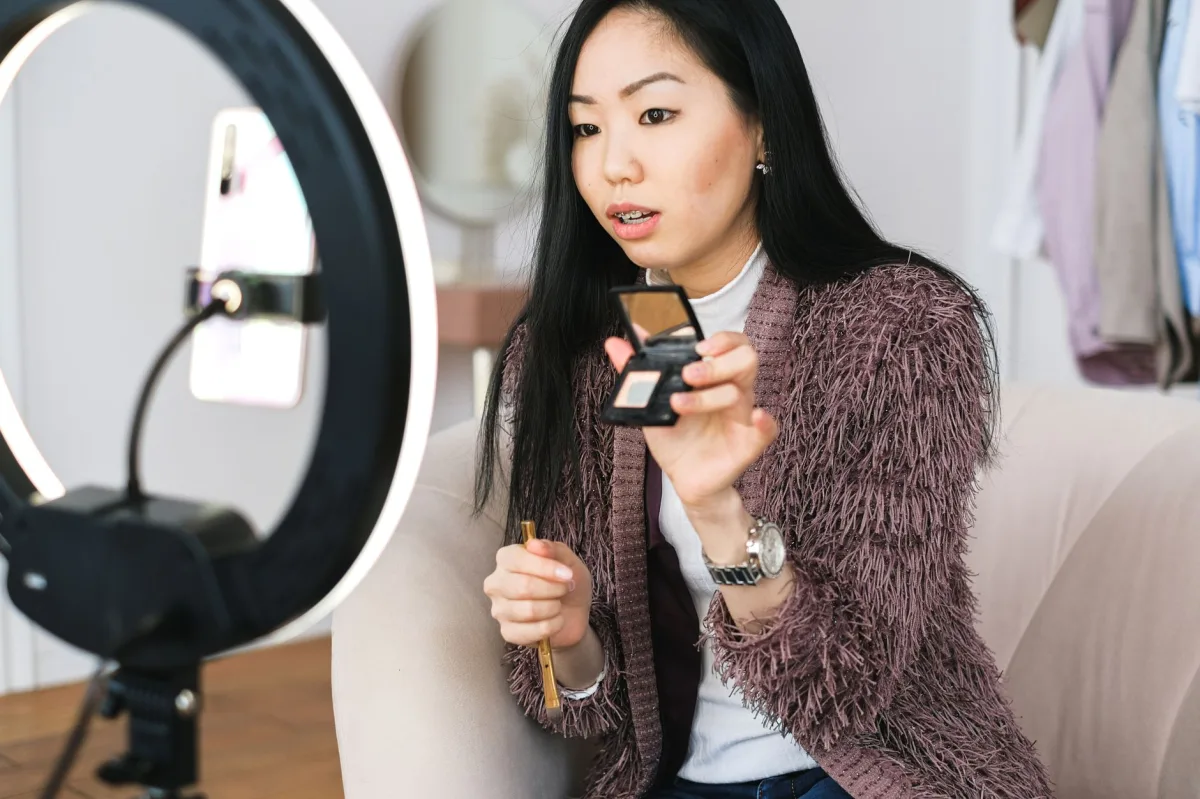
When high‑school teacher Maya Patel turned her after‑school calculus help into a free online resource, she began with a plain Gmail account and a single learning objective. Eight months later, her channel “CalcCoach” hit 12 000 subscribers, unlocked a modest membership stream, and became a go‑to reference for AP‑calculus students nationwide. Maya’s journey reminded me that in 2026 the biggest advantage isn’t a fancy camera—it’s a clear content plan, crisp audio, and a willingness to iterate on data.
This guide walks you through every step—from creating a Google account to using analytics for higher retention. Follow the checklists, adapt the examples, and you’ll launch a channel that both teaches and grows.

Why Educators Are Quietly Winning YouTube in 2026
Definition and role in education
A YouTube channel is a dedicated space where creators upload videos, organize playlists, and interact with viewers. For educators, it a searchable, on‑demand library that reaches learners on any device, anytime.
Personal vs. brand channels
- Personal channel: uses the creator’s name; ideal for solo teachers or freelancers.
- Brand channel: adopts a topical handle (e.g., PhysicsWithJohn) and can host multiple contributors, merchandise, and a community tab.
Key benefits for educators today
- Scalable audience without classroom size limits.
- Monetization options beyond ads, such as memberships and affiliate links.
- Data‑driven feedback via YouTube Analytics.
YouTube in 2026 – Trends & Data for Educators
Algorithm focus on viewer retention
Industry estimates suggest a strong hook in the first 30 seconds can lift average view duration by roughly 20 %. The system now rewards videos that keep viewers watching past the initial drop‑off point.
Monetization beyond AdSense
Creators may join the Partner Program after reaching 1 000 subscribers + 4 000 watch hours, **or** after 1 000 subscribers + 10 million Shorts views in the past 90 days. Additional income streams include:
- Monthly channel memberships unlocking exclusive lessons.
- Affiliate programs such as Amazon Associates, with custom links in the description.
- Direct merchandise sales via YouTube’s merch shelf.
Shorts vs. long‑form: conversion patterns
Shorts generate rapid discovery; 10–30 % of viewers click to the channel page, but only 1–3 % become long‑form subscribers. Long‑form videos (8–20 minutes) still drive the watch‑time needed for monetization.
What You Need Before You Hit Record
Google account setup and verification
- Log in to YouTube on a web browser.
- Click your profile avatar (top right) → Switch account → View all channels.
- Select “Create a channel,” then fill in the channel name, handle, and profile picture.
- Optional: add a description and contact info via Customize channel.
Fundamental content strategy elements
- Identify a teaching niche with at least 10 K monthly searches.
- Map 3‑5 content pillars (e.g., “AI Prompt Basics,” “Finance Hacks”).
- Draft a 30‑second hook template that promises a concrete outcome.
Minimal equipment checklist for quality videos
| Tier | Key Item | Reason |
|---|---|---|
| Smartphone‑only | Phone with 1080p camera | Enough resolution for Shorts. |
| Beginner | USB condenser mic (e.g., Audio‑Technica AT2020) | Audio quality outweighs video fidelity. |
| Semi‑pro | Ring light + tripod | Consistent lighting reduces post‑production. |
From my own experience, upgrading the microphone before the camera made a noticeable difference in viewer retention. A clear voice can keep a learner watching even when the lighting is modest.
Takeaway: Clear audio consistently outperforms higher‑resolution video when it comes to retaining viewers. Invest in a decent microphone before upgrading your camera.
Set Up Your Channel Identity
Choosing a memorable name and handle
Include a primary keyword (e.g., “Physics”) and a personal touch. Handles are searchable, so keep them short—ideally under 15 characters.
Designing visual assets
- Profile picture: clear headshot or logo, 800 × 800 px.
- Banner: 2560 × 1440 px, with a central safe area (1546 × 423 px) for text.
- Intro graphic: 5‑second animation that reinforces the channel’s visual language.
Crafting an engaging channel trailer
Use the first 5 seconds to promise a learning outcome, then cut to a quick montage of past lessons. End with a verbal CTA: “Subscribe for new tutorials every Tuesday.”
Plan Your Content & Hook Strategy
Audience research and persona creation
Build at least three personas (e.g., “College freshman needing calculus help”). Use Google Trends and the YouTube search bar to see the exact questions they type.
Hook structure and script template
Definition: A hook is the opening promise that tells viewers exactly what they will learn and why it matters within the first 10 seconds.
- Bold statement or surprising fact.
- Direct promise (“By the end of this video you’ll solve X”).
- Quick visual proof (animation, diagram).
Real‑world case studies (2025‑2026)
- MathMaven: A solo teacher who started with a smartphone‑only setup in March 2025. By focusing on 15‑second hooks and posting three Shorts per week, the channel grew from 0 to 9 500 subscribers in six months.
- EcoScience Lab: A small team that launched a brand channel in September 2025. They paired weekly 10‑minute deep‑dive videos with A/B‑tested thumbnails, boosting click‑through rate from 4 % to 7 % and reaching the Partner Program by February 2026.
Optimize for Retention & SEO
Thumbnail, title, and description best practices
- Thumbnail: high‑contrast face, 3‑5 bold words, single dominant color.
- Title: primary keyword first, then a benefit (“Physics with John: Why Quantum Tunneling Matters”).
- Description: first 150 characters repeat the title, followed by secondary keywords and timestamps.
Thumbnail A/B test example
EcoScience Lab ran two thumbnail versions for a video on “Carbon Capture Basics.” Version A used a blue background with a text overlay; Version B used a bright orange background with a close‑up of the presenter’s face. After a 7‑day test, Version B achieved a 2.3 % higher click‑through rate (7 % vs. 4.7 %) and a 12 % increase in average view duration.
Cards, end screens, and playlists
Insert a card at the 45‑second mark linking to a related video, then end with a screen that points to the next lesson in the series. Group videos into themed playlists to encourage binge‑watching.
Analytics deep dive
Open YouTube Studio → Analytics → Overview. Focus on three metrics:
- Average View Duration (AVD): the mean amount of time viewers spend on a video. A higher AVD signals strong engagement.
- Impressions Click‑Through Rate (CTR): the percentage of times a thumbnail is shown (impression) that results in a click. Aim for 5 % + for educational content.
- Traffic Sources: where viewers discover your video (Search, Suggested, Shorts, External). Adjust titles and tags based on the top‑performing source.
Publish & Promote
Upload workflow and metadata best practices
- Upload via YouTube Studio, select “Video” (not “Short”).
- Fill in title, description, tags, and add a custom thumbnail.
- Enable “Add to playlist” and choose the appropriate series.
Step‑by‑step YouTube Studio walkthrough
- From the left menu, click Content.
- Select the video you want to edit; a panel on the right shows Details, Monetization, and Analytics tabs.
- In Details, edit the title, description, and thumbnail. Use the “Add tags” field for secondary keywords.
- Switch to Monetization to enable ads or set up memberships.
- Open Analytics → Audience retention to see exact drop‑off points.
- Click Save and schedule the publish time.
Using Shorts as a top‑of‑funnel awareness tool
Clip the most exciting 15‑second segment from a long‑form lesson, add a verbal CTA in the final 5 seconds, and link back using the “Related Videos” feature. YouTube recommends delivering the promised content within the first 5‑10 seconds of the linked long‑form video to keep the viewer engaged.
Building an email list and community for long‑term growth
Pin a comment with a lead magnet (e.g., “Free PDF cheat sheet”). Use the Community tab to run polls that feed directly into future video topics.
Trade‑offs & Real‑World Performance
Production value vs. retention
Industry estimates suggest a well‑scripted 5‑minute video with clear audio retains about 30 % more viewers than a 4K production plagued by background noise.
Balancing time investment with consistency
Batch‑record four episodes in one day, then schedule them weekly. This prevents the “burnout after month one” pattern many new creators face.
Monetization thresholds vs. long‑term strategy
Reaching 1 000 subscribers unlocks ad revenue, but only roughly 3 % of such channels earn a full‑time income. Pair AdSense with memberships, affiliate links, and a flagship course for sustainable earnings.
Best Practices & Checklist
Daily and weekly content routines
- Day 1: Research keywords and audience questions.
- Day 2: Script and record two videos.
- Day 3: Edit, create thumbnails, schedule uploads.
- Day 4: Engage with comments for one hour.
- Weekly: Review Analytics, adjust hook timing.
Collaboration and networking opportunities
Partner with complementary educators for joint livestreams or cross‑promotions. Vertical Live Streams capture mobile viewers who prefer portrait orientation.
Legal considerations and copyright compliance
Fair Use is evaluated case‑by‑case; keep clips short, add commentary, and always credit the source. Safer alternatives include YouTube’s Audio Library or Creative Commons assets.
Common Mistakes & Troubleshooting
Pitfalls that hurt viewer retention
- Long, unrelated intros.
- Low‑volume narration.
- Missing CTA in Shorts.
Adapting to algorithm changes
When the platform shifts weight to “session time,” prioritize playlists and end‑screen links that keep viewers on your channel.
Avoiding monetization disqualifications
Never buy subscribers or use sub4sub services; they inflate numbers but destroy watch‑time metrics and can trigger termination.
Who Is This Best For? (Persona Table)
| Target Persona | Recommended Option | Key Reason & Real‑World Benefit |
|---|---|---|
| College Professor (Full‑time) | Brand channel with membership tier | Leverages existing credibility; memberships generate recurring revenue. |
| High‑school Tutor (Part‑time) | Personal channel, Shorts‑first strategy | Quick discovery; low production cost fits limited time. |
| Freelance Skill Coach | Hybrid channel + affiliate links | Combines free tutorials with product recommendations for higher CPM. |
| Retired Subject‑Matter Expert | Faceless animated channel | Reduces camera anxiety; focuses on visual explanations. |