
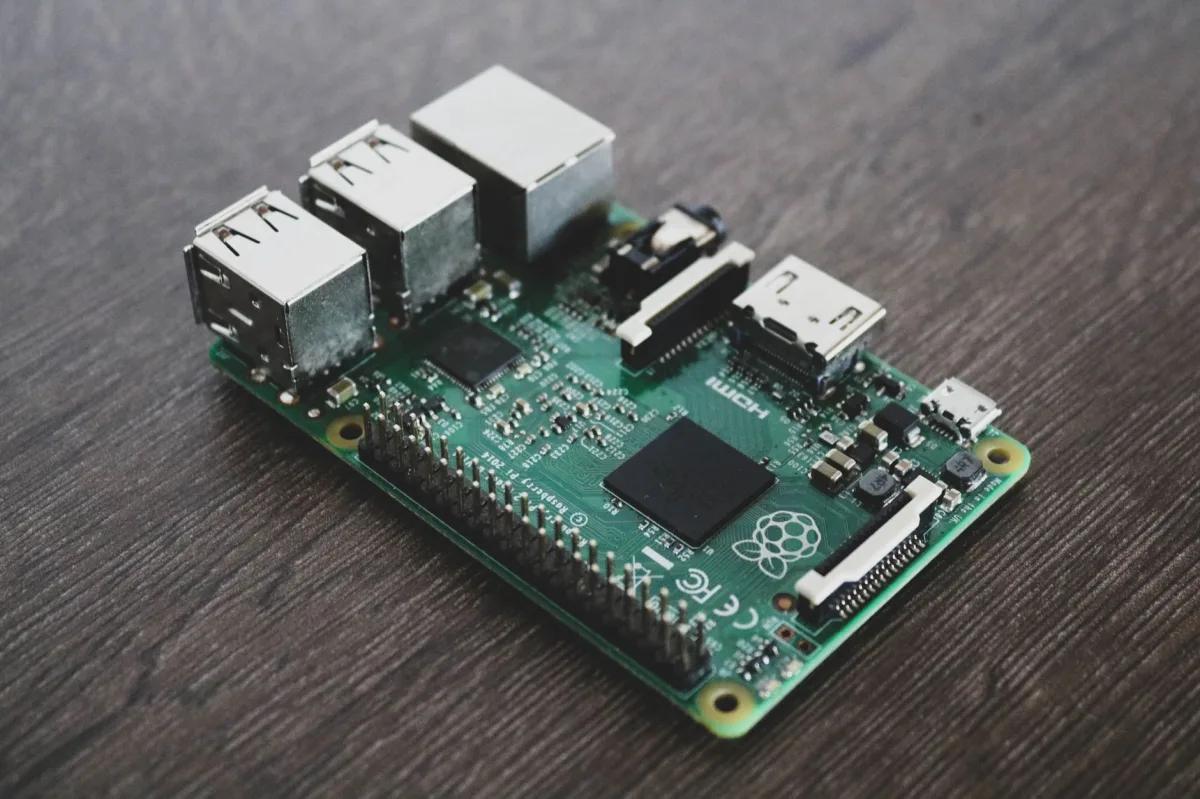
Choosing the Right IoT Board: An Overview
What Defines a Great IoT Development Board?
A great IoT board balances three pillars: connectivity, compute, and ecosystem. It must provide reliable wireless radios that match the target application (Wi‑Fi, BLE, Thread, LoRa), enough processing headroom for the intended algorithms, and a community that supplies libraries, example code, and long‑term firmware updates. In 2026 the market has matured enough that most boards ship with secure‑boot, hardware cryptographic accelerators, and at least one deep‑sleep mode under 15 µA.
Definition: An IoT development board is a compact circuit board that integrates a microcontroller or microprocessor, power regulation, and one or more wireless radios, enabling rapid prototyping of connected devices.
The Shift Toward Edge AI and Matter Integration
Edge AI moved from a research topic to a production feature on mainstream boards. The ESP32‑S3 adds vector instruction extensions that accelerate tiny‑ML models, while the RP2350 (the successor to the RP2040) offers a dedicated DSP block for audio classification. At the same time, Matter has become the de‑facto smart‑home protocol. Boards that include Thread radios (Nordic nRF5340, ESP32‑H2, ESP32‑C6) can act as Matter devices without external modules, reducing BOM size and simplifying certification.
Core Requirements: What to Look for Before Buying
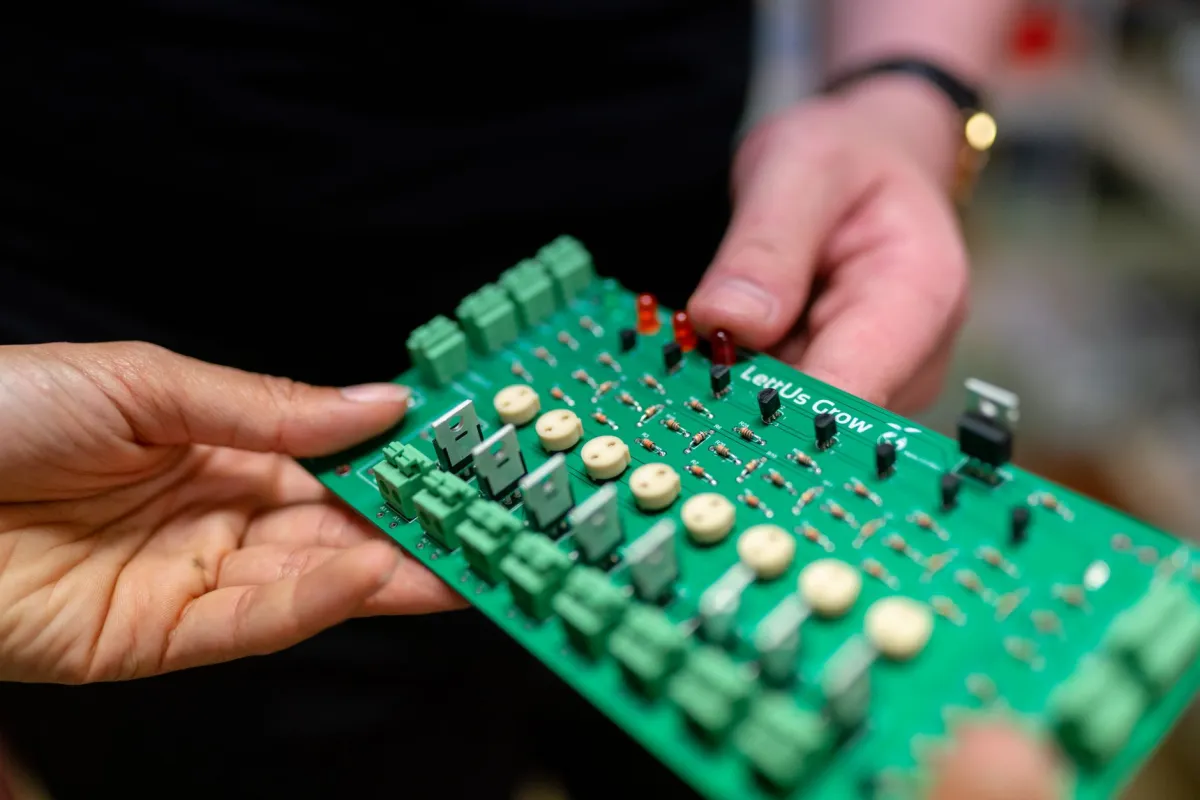
Connectivity Options: Wi‑Fi 6, Bluetooth 5.4, and LoRaWAN
Wi‑Fi 6 brings higher throughput and lower latency, useful for video streams or OTA updates. Bluetooth 5.4 adds Isochronous Channels for audio and improved coexistence with Wi‑Fi. LoRaWAN remains the go‑to for multi‑kilometer, low‑bit‑rate sensors. Verify that the board’s antenna design matches your deployment (chip antenna vs. external SMA). Real‑world range tests show a 915 MHz LoRa module on a RAK WisNode reaching 12 km in open fields, while an ESP32‑S3 with a PCB trace antenna covers about 30 m inside a concrete building.
Processing Power vs. Energy Consumption
Benchmarks matter more than clock speed alone. In a 10 Hz sensor‑aggregation workload, an ESP32‑S3 consumes 45 mA at 240 MHz, while an nRF5340 draws 20 mA at 128 MHz with the same code compiled for ARM Cortex‑M33. Deep‑sleep figures are more decisive: the ESP32‑C3 can stay under 10 µA, the RP2350 around 30 µA, and the nRF5340 under 5 µA when RAM retention is disabled. For battery‑operated projects, factor in the active‑to‑sleep ratio to estimate months‑long runtime.
GPIO Pins and Peripheral Support
Modern boards expose 20‑40 GPIO pins, many of which are multiplexed. On the ESP32‑S3, pins 0, 2, and 15 are strapping pins; using them for sensors can prevent the chip from booting. The RP2350 provides 30 PIO state machines, letting you generate custom protocols without CPU overhead. Nordic’s nRF5340 separates the application core (Cortex‑M33) from a network core, freeing up GPIO for high‑speed SPI or CAN without interfering with the radio stack.
Ecosystem and Community Library Availability
Check the freshness of the official SDK. The ESP‑IDF has received a monthly release cycle in 2026, with security patches appearing within two weeks of discovery. Nordic’s nRF Connect SDK follows a quarterly cadence and includes Matter and Thread stacks ready to compile. The RP2350 ecosystem grew with the Pico SDK and a growing set of MicroPython wheels. Boards with active Discord, Reddit, or Stack Overflow tags tend to resolve issues faster.
Top IoT Development Boards: Detailed Reviews
ESP32‑S3: The Versatile King of Low‑Cost IoT
The ESP32‑S3 combines a dual‑core Xtensa LX7, Wi‑Fi 6, Bluetooth 5.4, and a vector‑instruction unit for AI inference. It ships with 8 MB flash, 512 KB SRAM, and a USB‑OTG port. The board’s price hovers around $7 for a genuine DevKit V1 from Espressif’s authorized distributors.
- Strengths: Integrated Wi‑Fi/BT, affordable, robust community, OTA support out of the box.
- Weaknesses: Chip‑antenna performance can be limited in metal enclosures; external antenna adds cost.
- Total cost of ownership (TCO): Board $7 + CP2102 USB bridge $1 + 2 A LiPo charger shield $8 + temperature sensor $4 = $20.
- Power benchmark: 10 µA deep‑sleep, 45 mA at 240 MHz, 180 mA during Wi‑Fi TX at 20 dBm.
Raspberry Pi Pico W: Best for Python Enthusiasts
The Pico W adds an Infineon CYW43439 Wi‑Fi radio to the RP2040 dual‑core Cortex‑M0+ MCU. It offers 264 KB SRAM, 2 MB flash (expandable via external QSPI), and 26 GPIO pins. Priced at $6 for the official board.
- Strengths: Extremely low idle current (1.2 mA), powerful PIO subsystem, MicroPython first‑class support.
- Weaknesses: No Bluetooth; Wi‑Fi performance capped at 150 Mbps 2.4 GHz.
- TCO: Board $6 + Wi‑Fi antenna stub $2 + 3.7 V LiPo charger $5 + light sensor $2 = $15.
- Power benchmark: 30 µA deep‑sleep, 80 mA active at 133 MHz, 120 mA Wi‑Fi TX.
Arduino Nano RP2040 Connect: The Prototyping Standard
Arduino’s Nano RP2040 Connect bundles the RP2040 with an onboard Wi‑Fi/BLE module (CYW43439) and a 6‑axis IMU. It adopts the classic Nano form factor, making it breadboard‑friendly. Price is $12 for the official version.
- Strengths: Arduino ecosystem, built‑in sensor suite, good documentation for beginners.
- Weaknesses: Higher price than bare RP2040, limited flash (8 MB) compared to ESP32‑S3.
- TCO: Board $12 + USB‑C cable $1 + optional battery shield $9 = $22.
- Power benchmark: 40 µA deep‑sleep, 70 mA active, 110 mA Wi‑Fi TX.
Nordic nRF5340: The Gold Standard for Ultra‑Low Power
The nRF5340 Dual‑Core SoC pairs an application Cortex‑M33 (128 MHz) with a network core (64 MHz) that runs Thread, BLE, and Matter stacks. It offers 1 MB flash, 256 KB RAM per core, and hardware cryptographic acceleration (RSA‑2048, ECC‑P256). The development kit sells for $30, but the Feather‑form factor variant is $18.
- Strengths: Lowest sleep current (<5 µA), native Thread/Matter, robust security features.
- Weaknesses: Higher upfront cost, fewer GPIO pins (24) than ESP32‑S3.
- TCO: Board $18 + external antenna $3 + low‑dropout regulator $2 + environmental sensor $5 = $28.
- Power benchmark: 5 µA deep‑sleep, 25 mA active, 120 mA radio TX.
Comparing Performance: Which Board Wins?
| Metric | ESP32‑S3 | Raspberry Pi Pico W | Arduino Nano RP2040 Connect | Nordic nRF5340 |
|---|---|---|---|---|
| CPU | Dual‑core Xtensa 240 MHz | Dual‑core Cortex‑M0+ 133 MHz | Dual‑core Cortex‑M0+ 133 MHz | Dual‑core Cortex‑M33 128 MHz (App) / 64 MHz (Net) |
| RAM | 512 KB | 264 KB | 264 KB | 256 KB (App) + 64 KB (Net) |
| Flash | 8 MB | 2 MB (expandable) | 8 MB | 1 MB |
| Wi‑Fi | Wi‑Fi 6 (802.11ax) | 802.11b/g/n (2.4 GHz) | 802.11b/g/n (2.4 GHz) | None (requires external Thread radio for Matter) |
| Bluetooth | 5.4 (LE) | None | 5.2 (LE) | 5.3 (LE + Thread) |
| Deep‑Sleep Current | ≈10 µA | ≈30 µA | ≈40 µA | ≈5 µA |
| AI Acceleration | Vector extensions (up to 2 GMAC/s) | PIO‑assisted (software) | None | Crypto only |
| Secure‑Boot / Crypto | Hardware AES, RSA, SHA‑256 | None (software only) | None | Hardware AES, RSA, ECC, RNG |
| Typical Price (USD) | 7 – 10 | 6 – 8 | 12 – 14 | 18 – 30 |
IoT Hardware Best Practices: Maximizing Efficiency
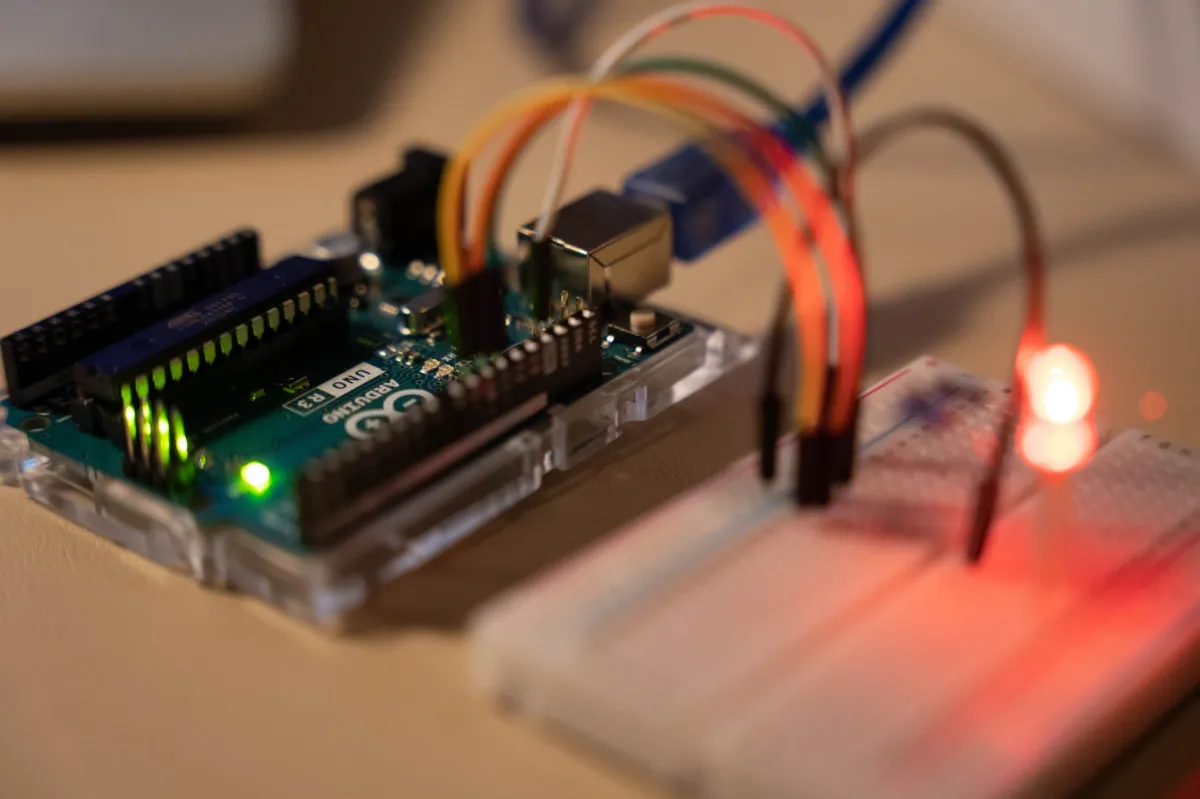
Optimizing Power Consumption for Battery‑Operated Devices
- Choose a board with a deep‑sleep mode under 10 µA (ESP32‑C3, nRF5340).
- Move peripheral power gating to hardware: use load‑switch ICs to cut sensor power during sleep.
- Schedule wake‑ups with the RTC peripheral, not with a software delay loop.
- Implement OTA updates that can be applied while the device is in a low‑power state (download in chunks, verify hash, then flash).
Example: Flashing a minimal OTA bootloader on ESP32‑S3
sudo esptool.py --chip esp32s3 \
 write_flash 0x1000 bootloader.bin \
 0x8000 partition-table.bin \
 0x10000 firmware.bin
Securing Your Hardware: Implementing Root of Trust
All boards listed support secure boot, but the process differs. On the nRF5340 you enable the “bootloader” image that verifies a signed application using the on‑chip RSA‑2048 engine. ESP32‑S3 uses the built‑in flash encryption feature; set the CONFIG_SECURE_BOOT flag in menuconfig. Always store private keys in a separate secure element (e.g., ATECC608A) for production.
Choosing Between Cloud‑Native and Local‑First Architectures
For a smart‑home light switch, a cloud‑native approach pushes state to AWS IoT Core, then the mobile app reads it. A local‑first design uses a Raspberry Pi gateway running Home Assistant and the Matter stack, keeping traffic inside the LAN. The local‑first option reduces latency and protects privacy, but adds a single point of failure. Evaluate the required uptime, data‑sensitivity, and network reliability before deciding.
Common Mistakes When Selecting IoT Boards
Overestimating Processing Needs (The “Overkill” Trap)
Using a $35 Raspberry Pi 4 as a temperature sensor wastes power and adds an SD card that can corrupt after power cycles. A low‑cost ESP32‑C3 or nRF5340 handles the workload with a fraction of the energy draw.
Ignoring Voltage Compatibility and Logic Levels
Most modern boards run at 3.3 V. Connecting a 5 V sensor directly to an ESP32 GPIO will likely destroy the pin. Use a bidirectional level shifter or choose sensors that operate at 3.3 V. Check the board’s datasheet for “strapping pins” that influence boot mode; accidental re‑use can cause silent boot failures.
Underestimating the Learning Curve of Proprietary IDEs
Some vendor SDKs (e.g., ESP‑IDF) rely on command‑line tools and custom build systems. Beginners often spend weeks wrestling with cmake before writing a single line of code. Starting with PlatformIO or Arduino IDE provides a smoother entry point, then migrate to the native SDK for production features.
IoT Development Board FAQs
What is the difference between a microcontroller and a microprocessor?
A microcontroller integrates CPU, RAM, flash, and peripherals on a single chip, designed for low‑power, deterministic tasks. A microprocessor, like the ARM Cortex‑A series on a Raspberry Pi, requires external memory and typically runs a full OS. Choose a microcontroller for sensor nodes; pick a microprocessor for gateways or edge‑AI workloads.
Do I need a separate programmer/debugger for these boards?
Most boards include an on‑board USB‑to‑UART bridge (CP2102, CH340, or native USB). That’s enough for flashing firmware via the Arduino IDE or PlatformIO. For low‑level debugging (JTAG/SWD), you’ll need an external probe such as the Segger J-Link or the official Espressif ESP‑Prog for the ESP32 family.
Which board is best for Matter and Thread support?
The Nordic nRF5340 DK and the ESP32‑H2/ESP32‑C6 provide native Thread radios and the nRF Connect SDK or ESP‑Matter SDK, respectively. If budget matters, the ESP32‑C6 offers a full Matter stack for about $5, but the nRF5340 gives the most mature security and lowest power consumption.
Can I use MicroPython on all these boards?
ESP32‑S3, ESP32‑C3, and the RP2040 family (Pico W, Nano RP2040 Connect) have official MicroPython builds. The nRF5340 does not have a stable MicroPython port yet; developers usually write in C/C++ using the nRF Connect SDK.
How do I choose between Wi‑Fi and LoRaWAN?
Wi‑Fi excels in high‑throughput, low‑latency environments with existing infrastructure. LoRaWAN shines when devices are scattered across several kilometers, need years of battery life, and can tolerate payloads under 250 bytes. Consider network availability, data rate, and power budget.
Are these boards suitable for industrial applications?
Industrial use demands extended temperature ranges (‑40 °C to +85 °C), robust voltage regulation, and long‑term support. The nRF5340 and ESP32‑C3 have industrial‑grade variants (e.g., ESP32‑C3‑R2) that meet those specs. Verify the board’s certification (CE, FCC, UL) and check the vendor’s roadmap for firmware updates beyond two years.
What is the best board for beginners in 2026?
For absolute beginners, the ESP32‑S3 DevKit V1 offers the most straightforward path: Wi‑Fi and BLE are on‑board, the Arduino IDE works out of the box, and the community provides thousands of tutorials. If you prefer Python, the Raspberry Pi Pico W gives an easy MicroPython experience with a low price tag.
How do I protect my board from electrical surges?
Use a TVS diode on the power input, add a series resistor (e.g., 100 Ω) on GPIO lines that connect to external connectors, and place a bulk electrolytic capacitor (10 µF) close to the regulator. For outdoor deployments, an external surge‑protecting module with a gas discharge tube (GDT) can absorb high‑energy spikes.
Final Verdict: Which IoT Board Should You Buy?
Best for Rapid Prototyping
The ESP32‑S3 DevKit V1 wins for speed. It boots in under 200 ms, includes Wi‑Fi 6 and BLE 5.4, and the Arduino ecosystem lets you get a sensor online with a few lines of code. Its OTA capabilities and secure‑boot support mean you can move from prototype to production without changing hardware.
Best for Industrial Scaling
The Nordic nRF5340 Feather offers the lowest sleep current, native Thread/Matter, and a proven security chipset. Its dual‑core architecture separates networking from application code, simplifying certification. The long‑term firmware roadmap and extensive documentation make it a safe bet for large deployments.
Best for Budget‑Friendly Learning
The Raspberry Pi Pico W provides the cheapest entry point with MicroPython out of the box. At $6 the board fits comfortably into school labs or hobbyist kits, and the RP2350’s PIO subsystem introduces students to low‑level hardware design without a steep learning curve.
Choosing the right board ultimately hinges on three questions: Do you need Wi‑Fi or Thread? How critical is battery life? How much security does the product require? Answer those, match them to the specifications above, and you’ll land on a board that accelerates development rather than slowing it down.