

Executive Summary: Windows vs macOS at a Glance
The 2026 State of Desktop Operating Systems
In 2026 the desktop market is split roughly 55 % Windows, 40 % macOS, and a growing niche of Linux‑based systems. Both platforms have received major updates this year: Windows 11 22H2 introduced AI‑driven Copilot, while macOS 16 (codenamed “Sonoma 2”) deepened the Apple Intelligence stack and refined the unified memory model of Apple Silicon.
Quick Comparison Matrix
| Aspect | Windows | macOS | Winner |
|---|---|---|---|
| Performance & Memory Footprint | Scales from 4 GB to 64 GB+; AI features raise baseline RAM. | Unified memory; smooth on 8 GB M‑series, excels on high‑end chips. | macOS |
| User Interface & Learning Curve | Centered taskbar, Snap Layouts, extensive touch/pen support. | Dock, Stage Manager, Continuity; consistent visual language. | Tie |
| Ecosystem & Extension Support | Massive Win32/UWP catalog, PowerToys, AutoHotkey. | Curated App Store, Shortcuts, AppleScript. | Windows |
| Security & Privacy | TPM 2.0, Secure Boot, Defender, Pluton‑style hardware root of trust. | Gatekeeper, SIP, FileVault, on‑device AI processing. | macOS |
| Licensing & Customization | Commercial OEM license; deep registry & theming. | Free with Mac purchase; limited UI tweaks. | Depends on use case |
What is Windows? The Versatile Powerhouse
What is Windows? Windows is a commercial desktop operating system developed by Microsoft. It combines a hybrid kernel with a broad user‑mode API surface (Win32, .NET, UWP) and runs on a wide range of x86‑64 hardware from low‑cost notebooks to high‑end workstations. The platform emphasizes backward compatibility, extensive peripheral support, and a marketplace (Microsoft Store) that coexists with traditional installer‑based software.
Core Philosophy and Architecture
Windows balances a monolithic kernel with a micro‑service‑style user space. The design goal is “run anything, everywhere,” which drives the inclusion of legacy subsystems (WOW64, NTVDM) and a massive driver model.
Hardware Flexibility and Vendor Ecosystem
Because the OS is sold separately from hardware, OEMs can pair Windows with any CPU, GPU, or peripheral that provides a signed driver. This openness fuels a thriving ecosystem of custom PCs, laptops, convertible tablets, and even embedded devices.
The Evolution of Windows in 2026
Windows 11 22H2 added AI‑assisted Copilot, native support for DirectStorage, and tighter integration with Azure AD for enterprise management. On the developer side, the Windows Subsystem for Linux (WSL 2) now runs a full kernel with GPU acceleration, blurring the line between Windows and Linux tooling.
What is macOS? The Integrated Experience
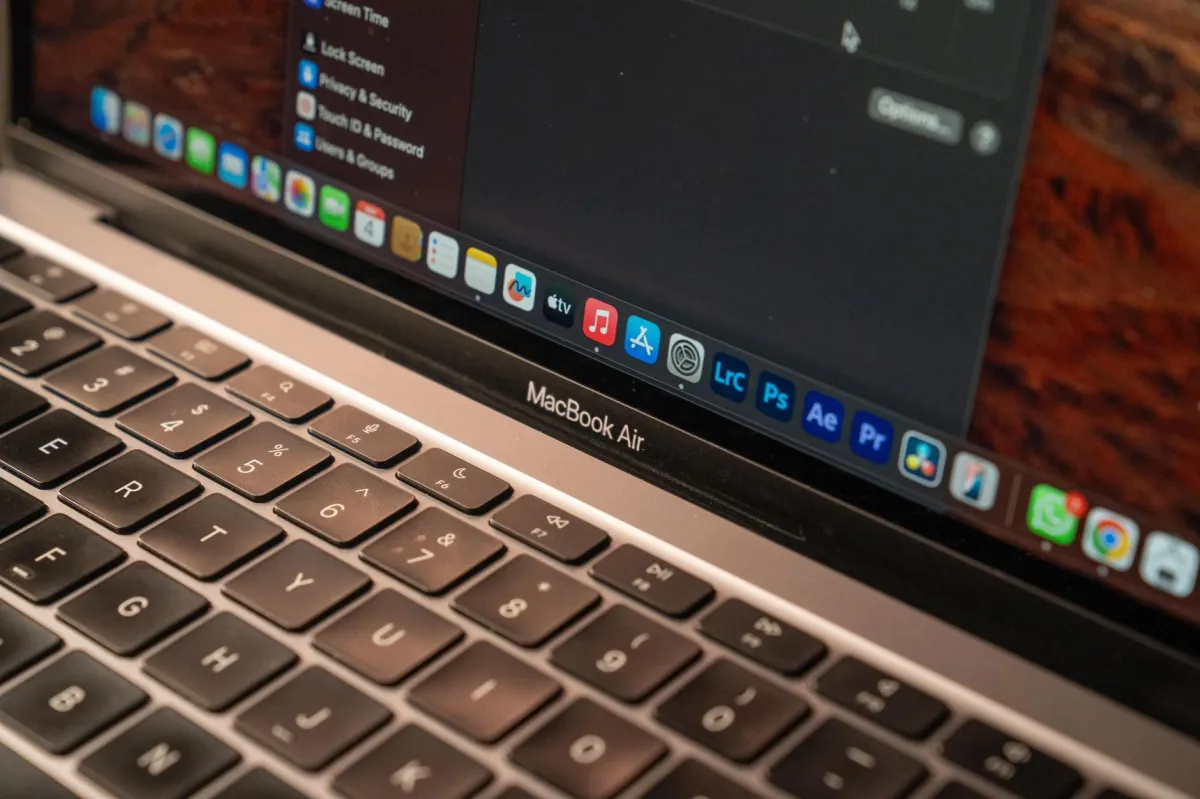
What is macOS? macOS is Apple’s proprietary desktop operating system built on a Unix‑derived foundation (Darwin) and tightly coupled with Apple Silicon hardware. It delivers a cohesive experience across Macs, iPhones, iPads, and Apple Watches through services like iCloud, Continuity, and Apple Intelligence.
The Apple Silicon Synergy
Since the transition to Apple Silicon, macOS runs on a unified memory architecture where CPU, GPU, and Neural Engine share the same pool. The OS schedules workloads across these resources automatically, delivering high performance per watt without user intervention.
Core Design Principles and Unix Foundation
macOS inherits POSIX compliance, a secure sandbox model, and a package manager (Homebrew) that coexists with the App Store. System Integrity Protection (SIP) locks down critical system directories, while the kernel (XNU) blends Mach micro‑kernel concepts with BSD services.
macOS's Role in the Apple Ecosystem
Features like Handoff, Universal Clipboard, AirDrop, and Sidecar make a Mac feel like an extension of an iPhone or iPad. Development tools such as Xcode and SwiftUI are first‑class citizens, enabling seamless iOS/macOS cross‑platform builds.
Head-to-Head Feature Comparison
Performance & Memory Footprint: Efficiency vs. Raw Power
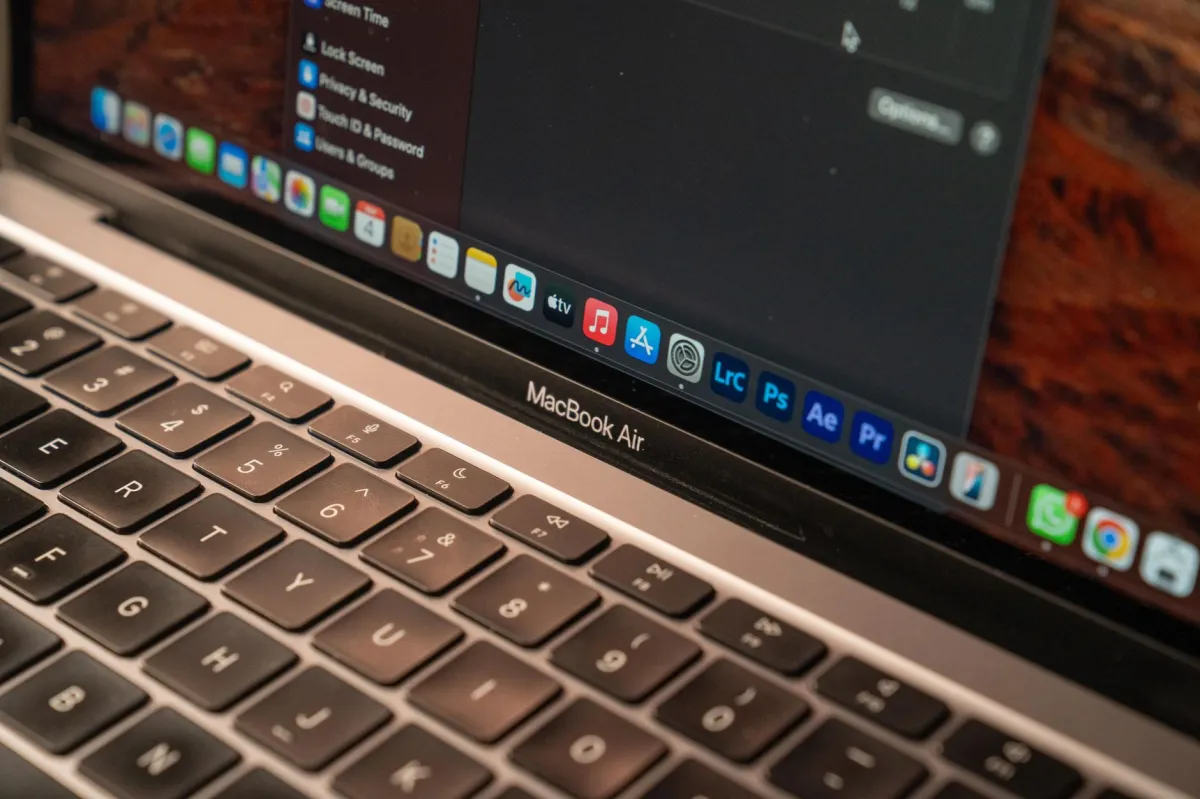
Windows adapts to a broad hardware spectrum, but performance is heavily dependent on OEM driver quality and BIOS configuration. macOS benefits from Apple’s vertical integration: the OS knows the exact memory layout of the M‑series chip, allowing it to keep idle power draw under 2 W on an 8 GB MacBook Air while still delivering >150 GFLOPS in single‑threaded workloads.
User Interface & Learning Curve: Intuition vs. Flexibility
Windows 11’s centered taskbar and Snap Layouts reduce window management friction, especially on large monitors. macOS 16’s Stage Manager introduces a “focus‑first” workspace view that automatically groups apps, appealing to users who juggle many windows but prefer a minimalist dock.
Ecosystem & Extension Support: App Availability and Integration
Windows hosts billions of legacy binaries, from CAD suites to legacy games, and supports scripting through PowerShell, AutoHotkey, and the newer Windows Terminal. macOS’s App Store enforces notarization, limiting kernel extensions, but the platform shines with high‑quality creative apps and the Shortcuts automation engine.
Security & Privacy Features: Sandboxing vs. Open Control
Windows mandates TPM 2.0 and Secure Boot on new devices, while Defender ATP provides cloud‑based threat analytics. macOS leverages Gatekeeper, System Integrity Protection, and on‑device Apple Intelligence to keep most processing local, reducing telemetry exposure.
Licensing & Customization: Proprietary Lock‑in vs. Modular Freedom
Windows licenses are sold per device (OEM) or per user (volume). The OS can be heavily customized via the registry, Group Policy, and third‑party shell replacements. macOS is bundled free with any Mac; customization is limited to UI themes, Control Center widgets, and scripting via AppleScript.
Performance & Memory Footprint Comparison Table
| Feature / Category | Windows | macOS | Winner |
|---|---|---|---|
| Performance & Memory Footprint | Scales 4 GB–64 GB+, AI features raise baseline. | Unified memory; smooth on 8 GB, excels on high‑end chips. | macOS |
| User Interface & Learning Curve | Centered taskbar, Snap Layouts, touch/pen support. | Dock, Stage Manager, Continuity. | Tie |
| Ecosystem & Extension Support | Win32/UWP catalog, PowerToys, AutoHotkey. | App Store, Shortcuts, AppleScript. | Windows |
| Security & Privacy | TPM 2.0, Secure Boot, Defender, Pluton. | Gatekeeper, SIP, FileVault, on‑device AI. | macOS |
| Licensing & Customization | Commercial OEM license, deep registry access. | Free with hardware, limited UI tweaks. | Depends on use case |
Verdict: Windows wins on ecosystem breadth and customization, macOS wins on integrated performance and security. The “overall winner” depends on the primary workload.
Pros and Cons Breakdown
Windows: The Advantages and Trade‑offs
- Extensive hardware compatibility.
- Largest library of legacy and modern applications.
- Robust enterprise management tools (Intune, Azure AD).
- Deep customization via registry and third‑party shells.
- Higher exposure to malware due to market share.
- Baseline RAM requirements increase with AI features.
macOS: The Advantages and Trade‑offs
- Optimized performance‑per‑watt on Apple Silicon.
- Strong out‑of‑the‑box security and privacy controls.
- Seamless continuity across iPhone, iPad, and Watch.
- Long OS support cycles (7 + years).
- Limited hardware options restrict budgets.
- Smaller third‑party driver ecosystem.
When to Choose Windows vs macOS: Use Case Scenarios
High‑End Gaming and VR/AR Workloads
Windows remains the only platform with native DirectX 12 Ultimate, Vulkan updates, and full Steam/Epic support. Example: launching a VR title via PowerShell:
Start-Process "C:\Program Files\Steam\steam.exe" -ArgumentList "-applaunch 123456"Professional Creative Suites and Video Production
macOS shines with Final Cut Pro’s hardware‑accelerated rendering and Logic Pro’s low‑latency audio stack. A typical DaVinci Resolve command on macOS uses the built‑in GPU:
resolve -i input.mov -c copy -o output.mov --gpu-accelEnterprise Management and Corporate Infrastructure
Windows integrates with Microsoft Endpoint Manager, allowing policy‑driven BitLocker enforcement and Azure AD single sign‑on. macOS can be managed via Jamf or Apple Business Manager, but the tooling is less ubiquitous.
Software Development and DevOps Environments
Both OSes support Docker, Kubernetes, and VS Code, but Windows offers native WSL 2 for Linux tooling without a VM, while macOS provides a native POSIX shell and Homebrew for package management. Example of installing Node.js on each platform:
# Windows (PowerShell)
winget install OpenJS.NodeJS

# macOS (Terminal)
brew install node
Who is Each Best For? (Decision Guide)
| User Persona / Profile | Recommended Choice | Key Reason & Best Fit |
|---|---|---|
| Gamer | Windows | DirectX 12 Ultimate, widest AAA catalog, VR/AR ecosystem. |
| Casual User | Either (Windows for price flexibility, macOS for simplicity) | Both deliver smooth UI; choice hinges on existing devices. |
| Camera Lover / Photo Editor | macOS | Superior color management, native RAW pipeline in Photos and Lightroom. |
| Power User / IT Admin | Windows | Group Policy, Intune, extensive scriptability, hardware variety. |
| Developer (Cross‑platform) | Either (WSL 2 on Windows or Homebrew on macOS) | Both support Docker, Git, VS Code; pick based on target deployment. |
SWOT Analysis Comparison
| Windows | macOS | |
|---|---|---|
| Strengths | Broad hardware support, massive software library, enterprise tools. | Integrated hardware‑software optimization, strong security model, seamless Apple ecosystem. |
| Weaknesses | Higher attack surface, variable driver quality, baseline RAM growth. | Closed hardware ecosystem, limited gaming support, tighter app sandbox. |
| Opportunities | AI‑driven Copilot expansion, deeper Linux integration via WSL 2. | Apple Intelligence on‑device, expanded Metal GPU API for professional apps. |
| Threats | Ransomware targeting SMBs, competition from cloud‑based OSes. | Regulatory scrutiny over App Store policies, supply‑chain constraints. |