
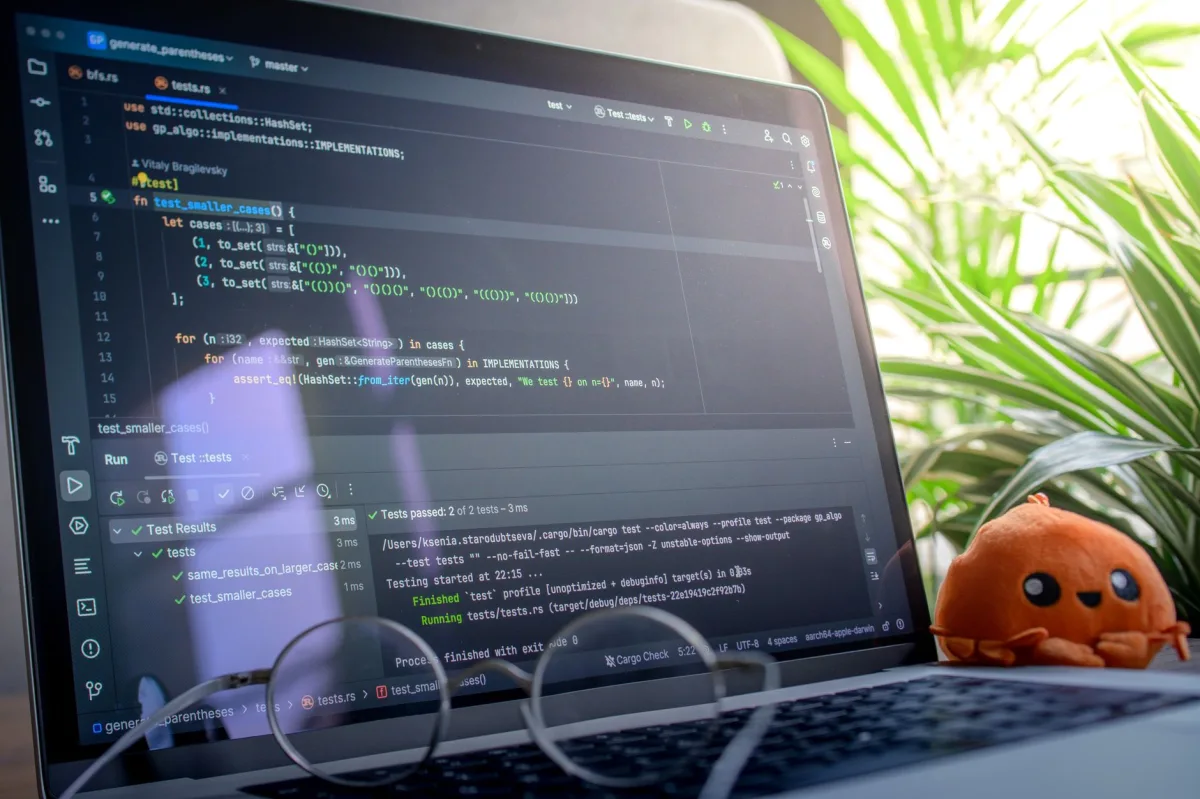
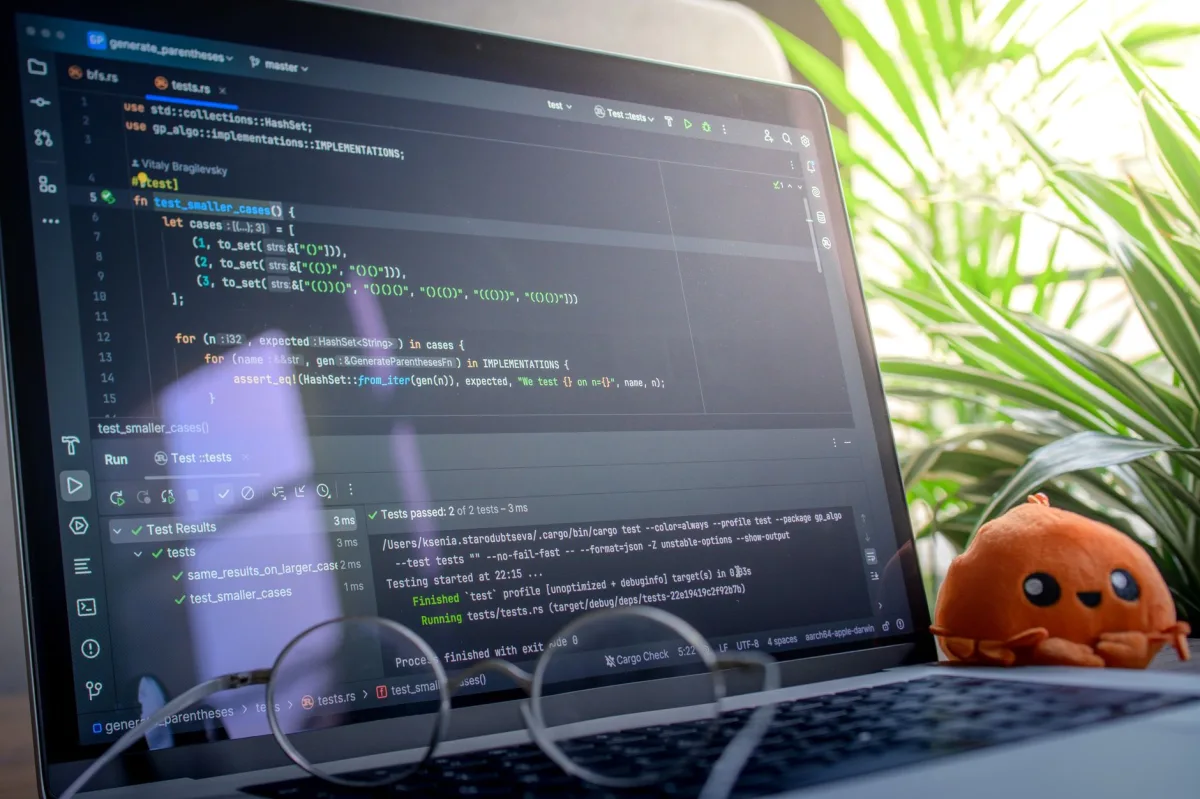
Laravel Feature Tests are the single most reliable way to prove your application actually behaves like a product your users can trust. Most teams I have worked with over the last few years treat testing as a chore they get to "someday," and then ship a regression at 2 a.m. on a Friday. This guide is a complete, opinionated walkthrough for engineers who want a fast, deterministic test suite in 2026, covering Pest, PHPUnit, Sail, browser testing, AI/LLM mocking, and the new in-memory MySQL engines that make sub-second suites a reality.
Overview & Core Answer
What Are Feature Tests?
A feature test exercises a slice of your application from the outside in. It sends an HTTP request, hits your routes, runs middleware, executes controllers, queries the database, and asserts what the user receives. You are not unit-testing a method in isolation. You are testing the system as a whole, the way a real customer would experience it.
Definition: In Laravel, a feature test is a test class that uses the testing helpers (actingAs, getJson, post, etc.) to drive a full request through the framework's HTTP kernel. It covers routing, middleware, validation, authorization, database writes, queued jobs, and the response body in one pass.
Where Feature Tests Fit in Laravel's Testing Pyramid
Think of three layers. At the bottom, unit tests verify a single class or method with no framework. In the middle, integration tests touch the database and core services. At the top, feature tests simulate a user or API client. Laravel ships first-class support for all three, but feature tests give you the highest signal-per-line-of-code, which is why they have become the default for shipping teams.
Why Feature Tests Matter in 2026
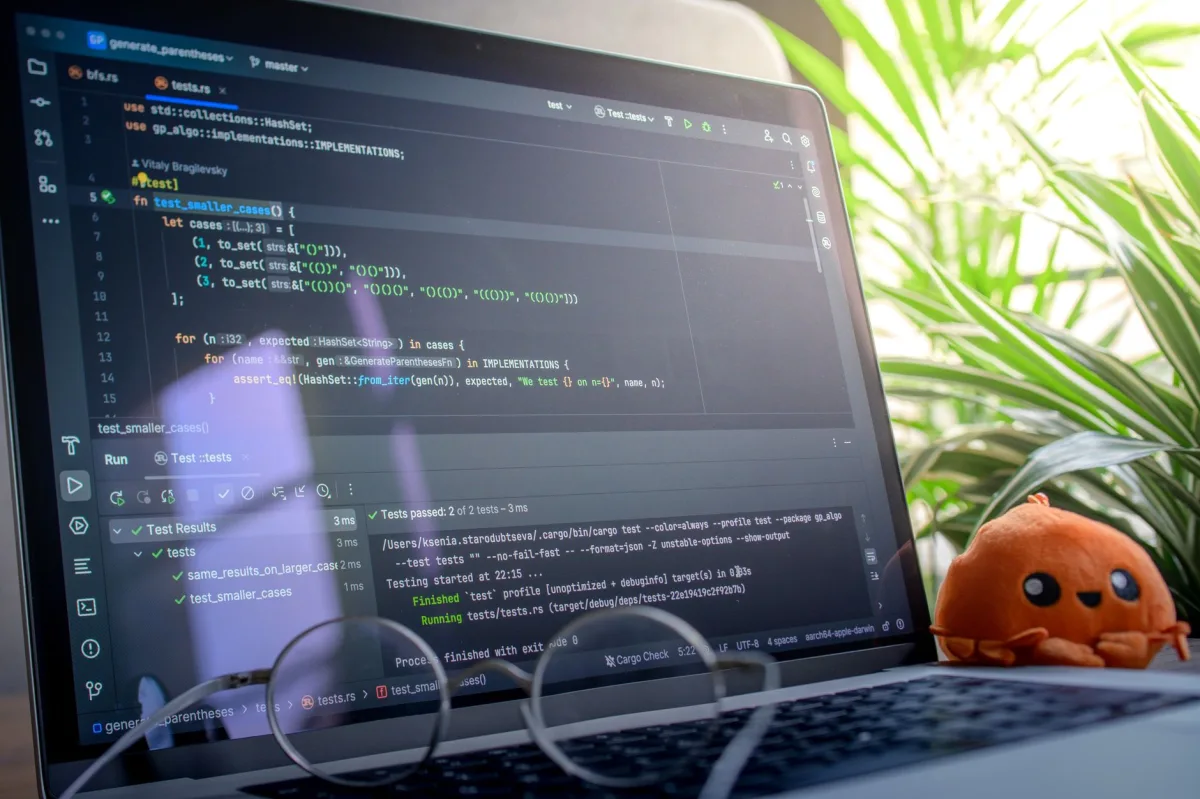
Three forces have made feature tests a non-negotiable part of professional Laravel work in 2026: the speed of CI/CD pipelines, the explosion of AI features, and tightening compliance rules.
CI/CD Evolution and Feature Test Demands
Modern pipelines run on every commit. A test suite that takes twenty minutes guarantees developers will skip it. Feature tests in Laravel can be written to run hundreds of assertions in seconds when backed by an in-memory engine, which is why I treat them as the backbone of any greenfield project.
AI & Microservices Integration Impact
Most Laravel apps in 2026 call out to at least one LLM or vector store. If your test suite makes a real call to OpenAI, you get flaky, slow, and expensive tests. The community has responded: Laravel's AI testing patterns now let you mock agents, queue jobs like TicketClassifier, and assert on conversation context without a single network request.
Compliance and Security Standards
SOC 2, ISO 27001, and HIPAA audits routinely ask for proof that authorization rules are enforced. The cheapest way to demonstrate that is a feature test that asserts a 403 when a user without the right role hits a protected route. It is reproducible, auditable, and lives next to the code it verifies.
Prerequisites & System Requirements
Before you write a single assertion, line up your toolchain. Skipping this step is the number one reason teams get stuck three weeks into a project.
PHP 8.3+ and Composer Setup
Laravel 10 and 11 require PHP 8.2 at minimum, but feature testing in 2026 is much smoother on PHP 8.3 because of new readonly classes and typed constants. Use Composer to manage dependencies and pin your PHP version in composer.json so CI matches local.
Laravel 10+ and Database Drivers
Laravel 10 or newer gives you access to the modern testing helpers like assertGuest, assertInvalid, and the streamlined queue assertions. Make sure pdo_mysql, pdo_sqlite, and mongodb extensions are installed if you plan to test multiple drivers.
Pest vs PHPUnit Decision Matrix
| Factor | Pest | PHPUnit |
|---|---|---|
| Syntax style | Functional, fluent | Class-based, traditional |
| Browser plugin | First-class via pestphp/pest-plugin-browser | Requires Dusk or extra setup |
| AI mocking helpers | Built-in preventStrayPrompts | Manual mocking required |
| Learning curve | Lower for newcomers | Familiar to PHP veterans |
| IDE support | Strong, with helper files | Strong |
Docker, Laravel Sail, and CI Environments
Sail is the easiest way to reproduce a production-like environment locally and in CI. It also bakes in MySQL, Redis, and Meilisearch so you can test against the same engines you deploy with.
Setting Up Your Feature Test Environment
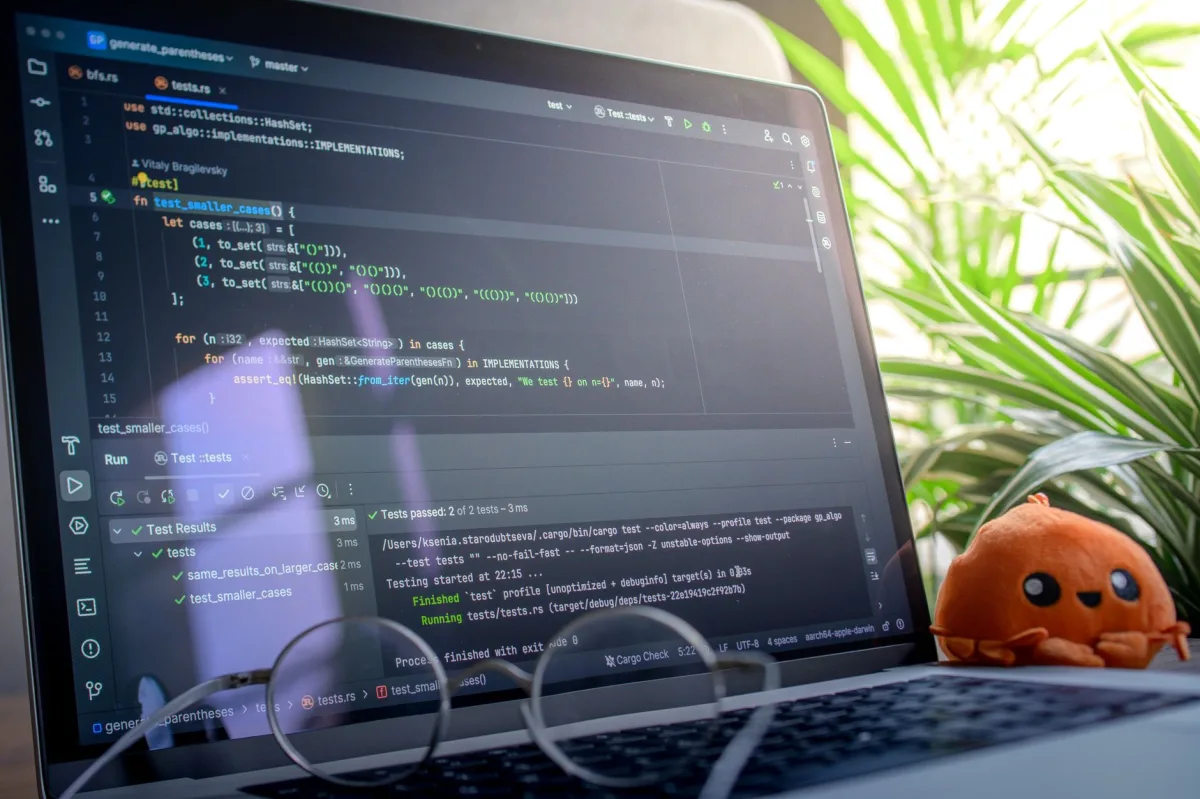
Configuration is where most projects either fly or crawl. Do this once, correctly, and you will save hundreds of hours.
Laravel Sail and Docker Configuration
Run php artisan sail:install and pick MySQL, Redis, and Mailpit. Sail gives you an isolated stack you can throw away after each test run, which is exactly what feature testing wants.
Installing Pest and the Browser Testing Plugin
Install Pest with composer require pestphp/pest --dev --with-all-dependencies, then add the browser plugin: composer require pestphp/pest-plugin-browser --dev. Keep it current with composer update pestphp/pest-plugin-browser to pick up new methods like withHost for subdomain testing, as reported by Laravel News.
Configuring In-Memory MySQL and Fake PDO
SQLite is fast, but its SQL dialect is a thin shadow of MySQL. The 2026 solution is Vimeo's in-memory MySQL engine, exposed through a FakePdo class. The setup looks like this:
$pdo = new \Vimeo\MysqlEngine\Php8\FakePdo($dsn, $user, $password);
$pdo->setAttribute(PDO::ATTR_CASE, PDO::CASE_LOWER);
$pdo->setAttribute(PDO::ATTR_EMULATE_PREPARES, false);
Pair this with the RefreshDatabase trait and you get MySQL fidelity with SQLite-class speed. Full setup details are in this HackerNoon walkthrough.
Integrating Laravel Debugbar for Debugging
When a feature test fails mysteriously, you need to see what the framework actually did. Laravel Debugbar shows queries, route info, and request parameters, and it works under the test HTTP kernel as long as you leave the debug middleware on for the testing environment.
Writing Your First Feature Test
Start small. Three tests cover eighty percent of new codebases: login, API validation, and a UI click path.
Testing Authentication Flow
test('user can log in and reach the dashboard', function () {
 $user = User::factory()->create();

 $this->post('/login', [
 'email' => $user->email,
 'password' => 'password',
 ])->assertRedirect('/dashboard');

 $this->actingAs($user)
 ->get('/dashboard')
 ->assertOk();
});
API Endpoint Validation
test('api rejects invalid payload with 422', function () {
 $this->postJson('/api/orders', [])
 ->assertStatus(422)
 ->assertJsonValidationErrors(['product_id', 'quantity']);
});
UI Interaction with Pest Browser
it('lets a user submit the contact form', function () {
 visit('/contact')
 ->fill('name', 'Ada Lovelace')
 ->fill('message', 'Hello there')
 ->click('Send')
 ->assertSee('Thanks for reaching out');
});
Advanced Feature Test Techniques
Once the basics run, you will hit real-world complexity. Here is how to handle the four big categories I see in production code.
Mocking External APIs (OpenAI, MongoDB Atlas)
Use Laravel's built-in Http::fake for outbound calls. For OpenAI specifically, the SDK's faking system lets you predefine prompts and responses so your agent behaves deterministically. For MongoDB Atlas, swap the connection in config/database.php to a local test instance or an in-memory adapter.
Using Fake SDKs and Vector Store Tests
When you build a RAG feature, test the vector store creation, the document upload, and the embedding generation step. Assert that the fake store received the right number of vectors, with the right dimensions, and that the search returned the expected document. All of this can be done with zero external calls.
Testing Local LLM Integration
Some teams run a local LLM as a pre-filter before sending traffic to OpenAI to control cost. Test that filter directly: pass a known prompt, assert the local classifier returns the expected label, and confirm the request never reaches the cloud provider when the local model says "spam."
Data Factory and Seeding Strategies
Factories belong in the test layer, not the model layer. Use states for role-based data, lazy-create expensive relationships, and reserve seeding for end-to-end smoke tests. This keeps each test fast and lets parallel runs avoid collision.
Real-World Tradeoffs & Performance
You will not get the perfect suite on day one. Make the tradeoffs consciously.
Speed vs Coverage in Feature Tests
More coverage means longer suites. Pick a target: I aim for under sixty seconds for the core suite, with a slower "deep" suite that runs nightly. Feature tests should target the critical user paths; unit tests should cover edge cases.
In-Memory MySQL vs SQLite
SQLite in-memory is faster but has a thinner SQL dialect, limited type support, and recreated schemas per run. In-memory MySQL via Vimeo gives you MySQL semantics at near-SQLite speed. The right call depends on whether your migrations use MySQL-only features like JSON_TABLE or generated columns.
Docker Overhead in CI Pipelines
Spinning up containers costs seconds. Cache your Sail images, use BuildKit, and consider running the suite against a host-installed PHP process when the only thing under test is pure code.
Resource Allocation and Test Parallelism
Laravel can run tests in parallel using paratest or Pest's --parallel flag. Each worker needs its own database schema, which is where the --parallel driver helps. Watch your CI bill: doubling workers rarely halves runtime because of database contention.
Pros, Cons, and Best Practices
Key Advantages of Feature Tests
- Catch regressions in routing, middleware, and validation in one pass.
- Run thousands of assertions per minute with in-memory engines.
- Produce living documentation that matches the actual HTTP contract.
- Plug directly into CI without extra glue.
- Mock AI providers cleanly with the SDK faking system.
Common Drawbacks and Mitigations
- Flaky browser tests: pin ChromeDriver, set explicit waits.
- Slow suites: parallelize, mock external services, avoid seeding the world.
- Hidden coupling: use
RefreshDatabaseand named datasets. - Hard-to-read failures: pair with Laravel Debugbar and screenshot capture.
Isolation, Reuse, and Test Data Strategies
Keep each test independent. Build a tiny helper trait for common setup, and use named states to make failures self-explanatory. Treat your test data as production code: review it, refactor it, and remove dead factories.
Common Mistakes & Troubleshooting
Handling Timeouts in Browser Tests
Browser tests time out for three reasons: missing ChromeDriver, slow app boot, and uncaught JavaScript errors. Increase the timeout in tests/Pest.php, warm the cache in TestCase::setUp, and watch the console output.
Resolving Database State Issues
If a test sees data from another test, you forgot RefreshDatabase or your seeders leaked. Switch to the trait, audit factories for shared static state, and never rely on DatabaseMigrations for parallel runs.
Fixing Missing Fake Providers
When an AI call slips through, preventStrayPrompts throws immediately. Read the trace, find the un-faked provider, and add it to your test bootstrap. The Laravel AI testing guide walks through the exact pattern.
Debugging with Laravel Debugbar
Drop a dd() or call debugbar()->addMessage() inside a test to inspect the request lifecycle. It pairs nicely with Tinker for poking at the database after a failed run.
Who Should Use Laravel Feature Tests?
Almost everyone, but the configuration differs. Here is the persona matrix I share with teams I consult for:
| Target Persona | Recommended Option | Key Reason & Real-World Benefit |
|---|---|---|
| Solo Developer | Pest + SQLite in-memory | Fastest setup, lowest mental overhead, perfect for a one-person codebase shipping weekly. |
| Team Lead | Pest + Vimeo in-memory MySQL | MySQL fidelity means production migrations never surprise the team, while suites stay sub-minute. |
| QA Engineer | Pest browser plugin + Sail | Real browser runs catch UI regressions automated unit tests cannot, and Sail replicates staging exactly. |
| CI/CD Engineer | PHPUnit on host + parallel workers | Skips Docker overhead, leans on paratest, and produces a green check in under two minutes. |
| Full-Stack Team | Pest with subdomain withHost + MongoDB Atlas mocks | Tests multi-tenant routes, RAG pipelines, and external services without leaving the suite. |