

Linux vs Mac: Which OS is Better for You in 2025?
Linux vs Mac: Quick Comparison Overview
At a Glance: Comparison Table
| Aspect | Linux | Mac | Winner |
|---|---|---|---|
| Cost & Licensing | Free (open source) – optional paid support | Premium hardware‑only pricing | Linux |
| Customization | Extensive – any desktop, kernel, file system | Limited to Apple’s UI guidelines | Linux |
| Security & Privacy | Auditable code, smaller attack surface | Built‑in Gatekeeper, Secure Enclave, but closed source | Tie |
| User Experience | Varies by distro; can be polished or raw | Consistently refined, seamless integration | Mac |
| Software Ecosystem | Huge open‑source library; limited commercial apps | Full access to Adobe, Microsoft, Logic, Final Cut, plus Unix tools | Mac |
| Hardware Compatibility | Runs on almost any x86/ARM device | Only on Apple‑branded machines | Linux |
| Developer Experience | Native Unix, Docker/Kubernetes, package managers | Excellent for iOS/macOS, strong CLI, Homebrew | Tie |
| Performance & Resource Usage | Lightweight distros can run on 1 GB RAM | Apple Silicon delivers top‑tier performance‑per‑watt | Linux |
The Core Philosophy: Open Source vs. Closed Ecosystem
Linux is built around a community‑driven model where anyone can view, modify, and redistribute the source code. That openness invites rapid innovation, but it also places responsibility for updates and security on the user or the distribution maintainer.
macOS, on the other hand, lives inside Apple’s tightly controlled ecosystem. The hardware, firmware, and software are engineered together, giving a smooth experience at the cost of less user freedom.
What is Linux? The Power of Open Source
What is linux? Linux is a Unix‑like operating system kernel first released in 1991. It forms the core of countless distributions (or “distros”) that bundle the kernel with libraries, desktop environments, and application managers to create a complete computing platform.
Understanding the Linux Kernel
The kernel handles low‑level tasks such as memory management, hardware drivers, and process scheduling. Because the kernel is modular, developers can replace or extend components without rebuilding the whole system.
What are Linux Distributions (Distros)?
Distros package the kernel with a selection of software and a default user interface. Popular choices include Ubuntu (user‑friendly), Fedora (cutting‑edge), Arch (DIY), and Debian (rock‑solid stability). Each distro targets a different audience, from beginners to seasoned sysadmins.
Who is Linux Designed For?
Linux serves a broad spectrum: server farms, embedded devices, developers, hobbyists, and anyone who wants to control every layer of their OS. Its modular nature makes it a favorite for cloud infrastructure, scientific computing, and privacy‑focused users.
What is macOS? The Apple Ecosystem Experience
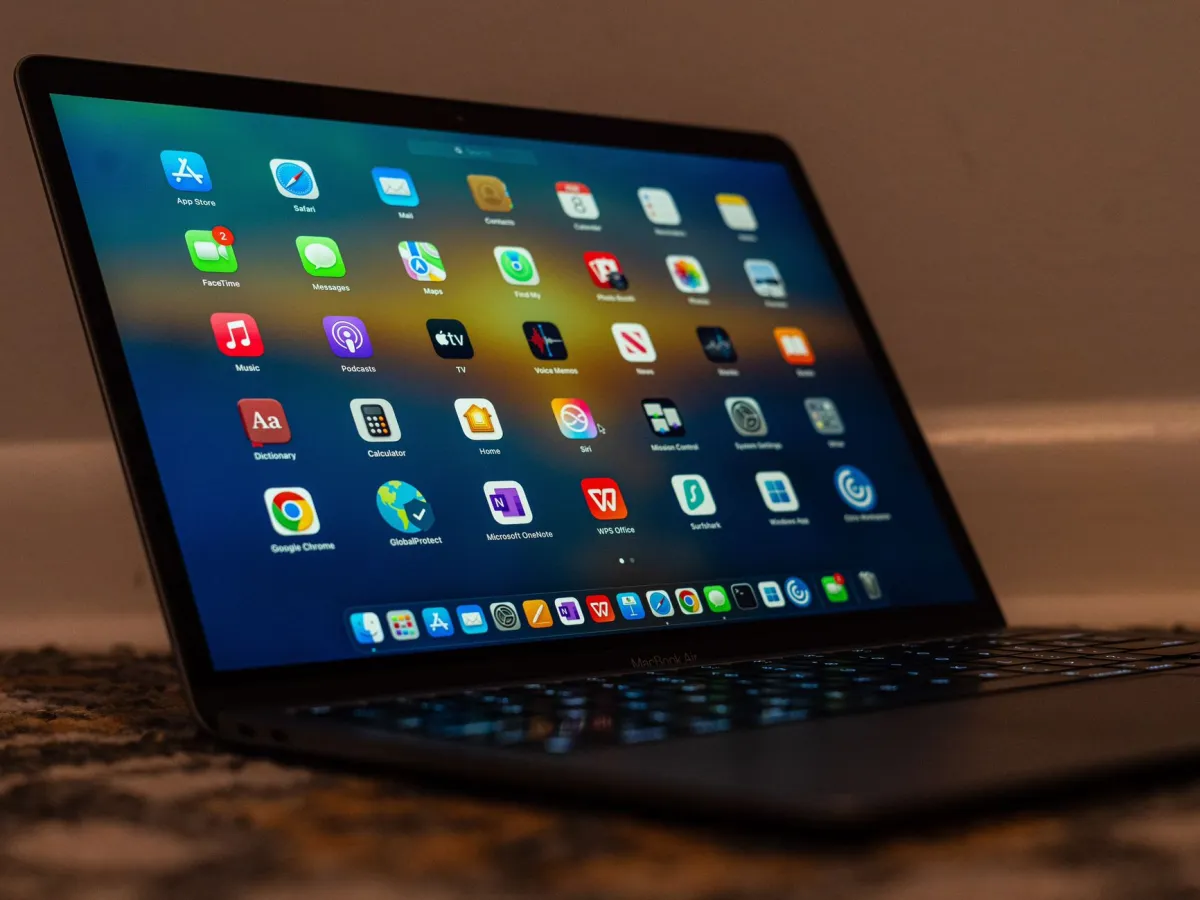
What is mac? macOS is Apple’s desktop operating system, built on the Darwin Unix foundation. It runs exclusively on Apple‑branded hardware and integrates tightly with services such as iCloud, AirDrop, and the App Store.
The Unix Foundation of macOS
macOS inherits a BSD‑derived kernel, providing a POSIX‑compatible command line. This makes it familiar to developers who have used Linux or other Unix systems, while still offering a graphical layer that feels distinctly Apple.
Hardware and Software Integration
Apple designs the silicon, firmware, and OS together. The result is a system where drivers are baked in, battery life is optimized, and features like the T2 security chip or Apple Silicon’s Secure Enclave work out of the box.
The Role of the App Store and Ecosystem
The Mac App Store offers vetted applications, while the broader macOS environment supports traditional installers, Homebrew, and cross‑platform tools. Integration with iPhone and iPad—via Continuity, Handoff, and Universal Control—creates a seamless workflow for users already invested in Apple devices.
Head-to-Head Feature Comparison
Performance and Resource Management
Linux can be trimmed to run on modest hardware, making it ideal for older laptops or low‑power servers. macOS, especially on Apple Silicon, delivers industry‑leading performance while consuming less power than comparable Intel‑based PCs.
User Interface (UI) and User Experience (UX)
macOS offers a consistent, polished UI that requires little configuration. Linux’s UI depends on the chosen desktop environment—GNOME, KDE, Xfce, or i3—allowing users to craft exactly the look they want, but sometimes at the expense of out‑of‑the‑box polish.
Software Availability and App Ecosystem
Creative professionals rely on Adobe Creative Cloud, Final Cut Pro, and Logic Pro—applications that run natively only on macOS. Linux excels in development tools, server software, and open‑source alternatives, but commercial desktop apps are fewer.
Security, Privacy, and System Stability
Both platforms employ strong permission models and regular security updates. Linux’s open code invites community scrutiny, while macOS benefits from Apple’s controlled hardware stack and features like Gatekeeper and FileVault.
Customization and Control
Linux lets you replace the window manager, switch the init system, or even recompile the kernel. macOS limits such changes to preserve stability and the brand experience.
Pros and Cons Breakdown
Linux: The Advantages and Trade‑offs
- Cost‑effective – free core OS, optional paid support.
- Unmatched flexibility – choose any desktop, kernel, or file system.
- Excellent hardware support for a wide range of devices.
- Strong developer tooling and native server environment.
- Potential steep learning curve for advanced configuration.
- Variable desktop polish depending on the distro.
- Limited official support for some high‑end creative software.
macOS: The Advantages and Trade‑offs
- Polished, cohesive UI with minimal setup required.
- Deep integration with Apple hardware and services.
- Access to industry‑standard creative applications.
- Robust security features built into hardware.
- Higher upfront cost – hardware‑only pricing.
- Restricted customization compared with Linux.
- Closed source components limit transparency.
When to Choose Linux vs Mac: Use Case Scenarios
For Software Developers and DevOps Engineers
Linux shines for backend services, container orchestration, and AI/ML pipelines because production servers usually run Linux. macOS is the go‑to for iOS/macOS app development and for developers who want a stable Unix desktop without managing a separate VM.
For Creative Professionals (Video, Photo, Audio)
macOS dominates thanks to Final Cut Pro, Logic Pro, and the optimized performance of Apple Silicon. Linux users can rely on open‑source tools like DaVinci Resolve (Linux version), Ardour, and GIMP, but workflow integration is less seamless.
For Privacy Enthusiasts and Power Users
Linux’s open codebase and ability to run on self‑hosted hardware give maximum control over data. macOS provides strong encryption and hardware‑based privacy features, yet telemetry and closed components may be a concern for the most privacy‑focused users.
For General Home and Office Use
If you value a low‑maintenance, aesthetically consistent environment with solid commercial software support, macOS is a safe bet. If you prefer a cost‑free system that can revive an older laptop and you’re comfortable installing apps via package managers, Linux is a compelling alternative.