
MacBook Air vs MacBook Pro: Which Should You Buy in 2026?
Executive Summary: MacBook Air vs MacBook Pro at a Glance
The Core Difference in 2026
The 2026 lineup pits Apple’s fanless M4‑based MacBook Air against the M4 Pro/Max‑powered MacBook Pro. The Air focuses on ultra‑light portability and battery endurance, while the Pro targets sustained performance for demanding creative and development workloads. Both run macOS 14 Sonoma, share the same unified memory architecture, and benefit from Apple’s 3 nm N3E process, but they diverge sharply in thermal design, GPU core count, and I/O options.
Quick Comparison Table: Key Specifications
| Feature | MacBook Air | MacBook Pro | Winner |
|---|---|---|---|
| SoC | Apple M4 (8‑core CPU, 8‑ or 10‑core GPU, 16‑core Neural Engine) | Apple M4 Pro / M4 Max (12‑ or 16‑core CPU, up to 40‑core GPU, 16‑core Neural Engine) | MacBook Pro |
| Clock Speed / Cores | ~4.0 GHz P‑cores, 8 cores / 8 threads | 12‑16 cores, 12‑16 threads; higher boost due to active cooling | MacBook Pro |
| Thermal Design | Fanless, ~15‑20 W sustained TDP | Dual‑fan, 35‑70 W sustained TDP (Pro/Max) | MacBook Pro |
| Benchmark (Geekbench 6 Multi‑core) | ≈ 14,500 | ≈ 25,000‑30,000 | MacBook Pro |
| GPU Performance (Metal FPS @ 1080p) | ~45 fps (medium settings) | ~90 fps (high settings), 8 K video encode 2× faster | MacBook Pro |
| Battery Life (Video Playback) | 18‑20 hours | 14‑24 hours (depends on config) | MacBook Air |
| Display | 13.6‑inch Liquid Retina, 60 Hz, 500 nits | 14‑inch / 16‑inch Liquid Retina XDR, 120 Hz ProMotion, 1,000‑1,600 nits | MacBook Pro |
| Ports | 2× Thunderbolt 4, MagSafe 3, 3.5 mm jack | 3× Thunderbolt 5, HDMI 2.1, SDXC slot, MagSafe 3, 3.5 mm jack | MacBook Pro |
| Starting Price | $1,099 (13‑inch) / $1,299 (15‑inch) | $1,999 (14‑inch) / $2,499 (16‑inch) | MacBook Air |
| Weight | 2.7 lb (13‑inch) / 3.3 lb (15‑inch) | 3.4 lb (14‑inch) / 4.7 lb (16‑inch) | MacBook Air |
Verdict: The Air wins for mobility, battery life, and price‑to‑performance. The Pro wins for raw compute, GPU‑intensive tasks, and professional‑grade I/O.
What is the MacBook Air? The Ultimate Ultraportable
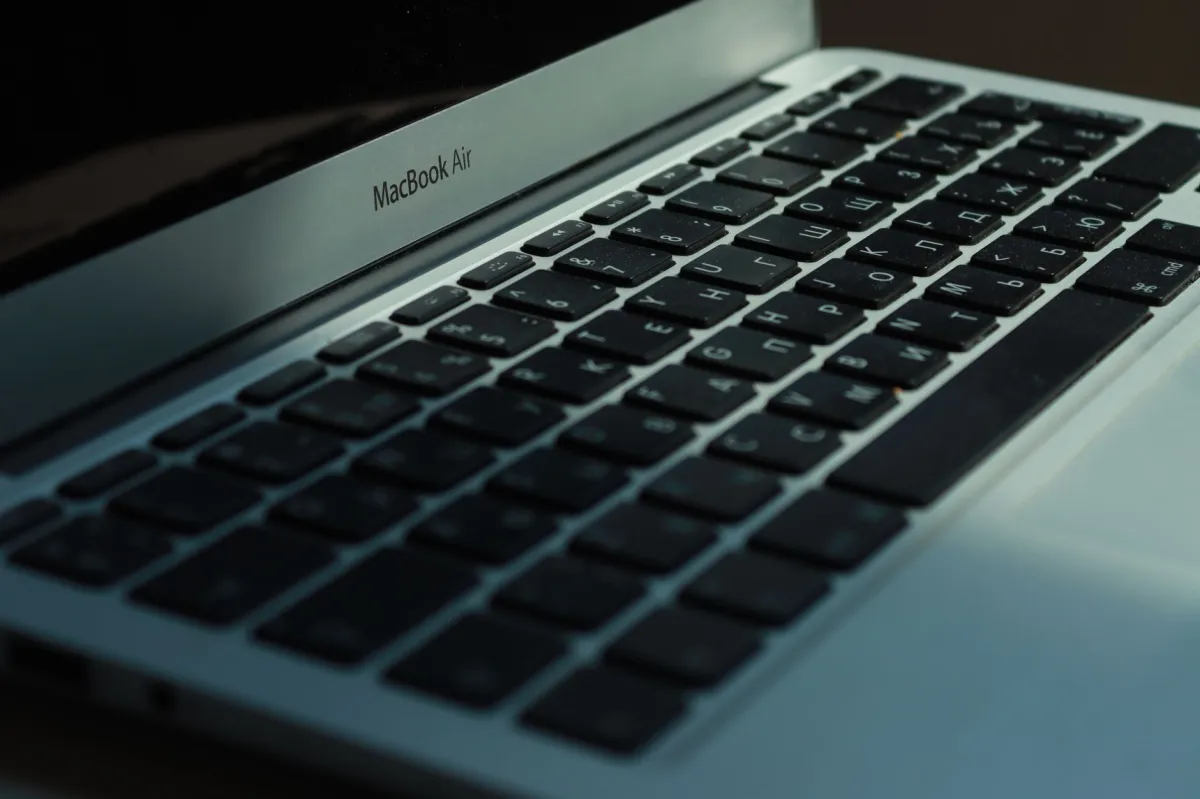
What is MacBook Air? The MacBook Air is Apple’s thin‑and‑light notebook that houses the fanless M4 SoC, up to 32 GB unified memory, and a 13‑ or 15‑inch Liquid Retina display. Its wedge‑free aluminum chassis weighs under 3 lb, making it ideal for on‑the‑go productivity while delivering up to 20 hours of video playback.
Design Philosophy and Portability
Apple engineered the Air around a silent, fanless thermal envelope. The chassis is only 11.3 mm thick, and the battery packs 58 Wh (13‑inch) or 65 Wh (15‑inch). The lack of moving parts eliminates acoustic distraction in libraries, cafés, and shared workspaces.
Target Audience: The Everyday User
Students, business travelers, and casual creators who need a reliable machine for word processing, web browsing, light photo editing, and occasional 1080p gaming will find the Air meets or exceeds expectations.
What is the MacBook Pro? The Powerhouse Workstation
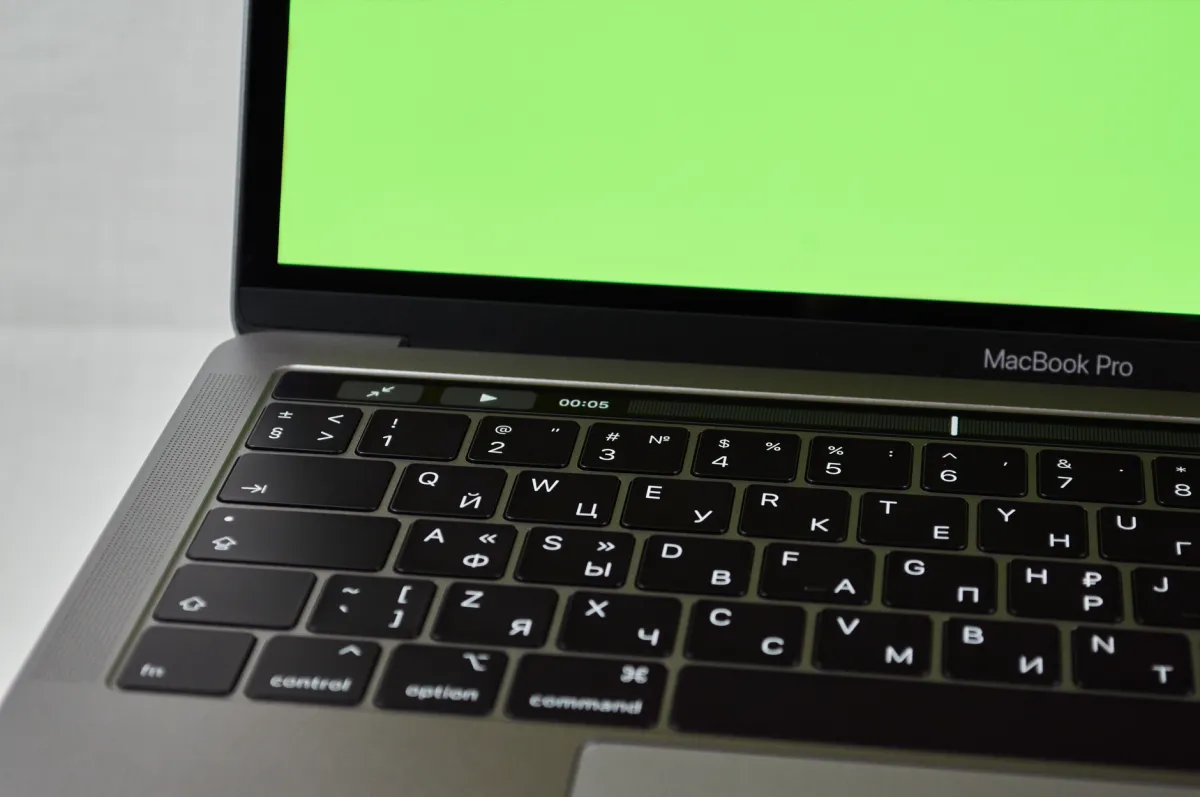
What is MacBook Pro? The MacBook Pro is Apple’s performance‑focused laptop, offered in 14‑inch and 16‑inch sizes. It pairs an M4 Pro or M4 Max chip with active cooling, up to 128 GB unified memory, and a Liquid Retina XDR display with ProMotion. The design accommodates higher TDP, delivering sustained boost for professional workloads.
Engineering for High‑Performance Workflows
The Pro’s dual‑fan system moves up to 70 W of heat, allowing the CPU and GPU to stay at peak boost for extended periods. This translates to faster render times in Final Cut Pro, smoother 3D viewport interaction, and quicker compile cycles in Xcode.
Target Audience: The Creative Professional
Video editors, 3D artists, software engineers handling large codebases, and machine‑learning researchers who monetize compute‑intensive tasks will benefit from the Pro’s expanded core count, larger memory ceiling, and richer I/O.
Head-to-Head Feature Comparison: Hardware & Performance
Architecture & Hardware Specs: SoC and Unified Memory
Both laptops share Apple’s 3 nm N3E node, but the Air’s M4 caps at 8 CPU cores (4 performance + 4 efficiency) and a maximum of 10 GPU cores. The Pro scales to 12‑ or 16‑core CPUs (12P+4E or 16P+0E) and up to 40 GPU cores. Memory bandwidth rises from 68 GB/s in the Air to 300 GB/s on the M4 Max, a decisive factor for large texture assets or massive data frames.
Benchmark & Gaming Performance: GPU Capabilities
Metal‑based benchmarks show the Air delivering ~45 fps at 1080p on “Shadow of the Tomb Raider” with medium settings, while the Pro pushes ~90 fps on high settings and maintains 60 fps at 4K with DLSS‑style upscaling. In Cinebench R23 GPU, the Air scores ~1,200 pts; the Pro scores ~2,800 pts (M4 Max).
Thermal Efficiency & Power Draw: Fanless vs Active Cooling
The Air’s passive cooling limits sustained power to ~20 W, leading to modest throttling after 10‑15 minutes of continuous rendering. The Pro’s dual‑fan design supports 35‑70 W, keeping boost clocks stable for hours of 8K video export.
Display Technology: Liquid Retina vs XDR
The Air’s 60 Hz panel is bright enough for most indoor work (500 nits) and offers P3 wide‑color support. The Pro’s mini‑LED XDR panel reaches 1,000 nits sustained, 1,600 nits peak HDR, and 120 Hz ProMotion, delivering smoother scrolling and more accurate color grading.
Compatibility & Expansion: Ports and Peripherals
I/O Port Selection: Thunderbolt, HDMI, and SD Slots
The Air provides two Thunderbolt 4 ports, a MagSafe 3 charger, and a 3.5 mm jack. The Pro adds a third Thunderbolt 5 port, HDMI 2.1 (supporting up to 8K @ 60 Hz), and a full‑size SDXC card reader—critical for photographers and video editors who ingest media directly.
External Display Support and Scalability
Air can drive a single external 6K display at 60 Hz. Pro supports up to two 6K displays (14‑inch) or one 8K display (16‑inch) simultaneously, thanks to the higher bandwidth of Thunderbolt 5 and the M4 Pro/Max GPU.
Price-to-Performance Ratio: Value Analysis
Cost per Gigahertz and Teraflop
When measured against raw compute, the Air delivers roughly $0.12 per GHz of sustained CPU performance, while the Pro sits near $0.17 per GHz. However, the Pro’s GPU teraflop count is ~2× higher, making it a better spend for graphics‑heavy pipelines.
Long‑term Depreciation and Resale Value
Apple’s laptops retain ~70 % of original value after three years. The Pro’s higher initial price means a larger absolute resale amount, but the Air’s lower entry cost yields a better ROI for users who never need the extra cores.
Pros & Cons Breakdown
MacBook Air: Pros and Cons
- Pros
- Fanless, silent operation
- Exceptional battery life (18‑20 h)
- Lightest Mac notebook in the lineup
- Best price‑to‑performance for everyday tasks
- Cons
- Limited sustained performance under heavy loads
- No HDMI or SD card slot
- Maximum 32 GB memory limits large data sets
MacBook Pro: Pros and Cons
- Pros
- Sustained high‑performance CPU/GPU
- Liquid Retina XDR display with ProMotion
- Rich I/O: HDMI 2.1, SDXC, three Thunderbolt 5 ports
- Configurable up to 128 GB unified memory
- Cons
- Heavier and thicker than the Air
- Higher price point
- Shorter battery life under peak load
When to Choose MacBook Air vs MacBook Pro: Use Case Scenarios
Student Life and General Productivity
For note‑taking, web research, and standard office suites, the Air’s 13‑inch model runs Microsoft 365, Google Workspace, and Slack with sub‑second wake times. Example command to sync notes via iCloud:
defaults write com.apple.notes SyncOnPowerChange -bool trueSoftware Development and Virtualization
Developers using Xcode or VS Code benefit from the Air’s fast SSD (up to 2 TB) and low latency. However, compiling large C++ projects (>200 k LOC) sees a 30 % speed boost on the Pro’s 12‑core CPU. For Docker users, the Pro’s 300 GB/s memory bandwidth reduces container startup from 5 s to 3 s.
4K Video Editing and 3D Rendering
Final Cut Pro timelines with 8‑track 4K ProRes benefit from the Pro’s M4 Max: a 30‑minute export drops from 22 min (Air) to 12 min. In Blender, the Pro’s 40‑core GPU renders a 1920 × 1080 frame in ~2.8 s versus ~5.0 s on the Air.
Casual Gaming and Media Consumption
Steam’s “Portal 2” runs at 1080p 60 fps on the Air without throttling, while “Cyberpunk 2077” at 1440p high settings is only feasible on the Pro. Both laptops support Apple Arcade and HDR streaming via Apple TV+.
Recommendation Guide: Which Model is Best for You?
Persona Mapping Table (Gamer, Developer, Casual User, Power User)
| User Persona / Profile | Recommended Choice | Key Reason & Best Fit |
|---|---|---|
| College Student / Remote Learner | MacBook Air (13‑inch) | Lightweight, >18 h battery, cost‑effective for note‑taking and research |
| Freelance Graphic Designer | MacBook Air (15‑inch) | Large Retina screen, sufficient GPU for Photoshop/Illustrator, portable for client meetings |
| Software Engineer (large codebases, CI) | MacBook Pro (14‑inch, M4 Pro, 32 GB) | More CPU cores, 300 GB/s memory bandwidth, dual‑monitor support |
| Video Editor / Colorist | MacBook Pro (16‑inch, M4 Max, 64‑GB) | XDR display, sustained GPU performance, SD card slot for media ingest |
| Casual Gamer / Streamer | MacBook Pro (14‑inch, M4 Pro) | Higher GPU core count for 1440p gaming, better thermal headroom for long sessions |
| Traveling Business Professional | MacBook Air (15‑inch) | Long battery, silent operation, fits into carry‑on luggage easily |
SWOT Analysis Comparison
| Aspect | MacBook Air | MacBook Pro |
|---|---|---|
| Strengths | Fanless design, best‑in‑class battery life, lowest price, ultra‑light chassis | Highest sustained CPU/GPU performance, XDR display, extensive I/O, up to 128 GB memory |
| Weaknesses | Thermal throttling under prolonged load, limited ports, max 32 GB memory | Heavier, more expensive, slightly lower idle power efficiency |
| Opportunities | Potential future M4‑Ultra variant could add active cooling without size penalty | Apple could introduce modular GPU upgrades or external AI accelerators via Thunderbolt 5 |
| Threats | Competitors’ ultrabooks with OLED screens and similar pricing (e.g., Dell XPS 13 OLED) | Windows‑based mobile workstations offering comparable GPU cores at lower cost |